Finance · Accountants and petty cash custodians · about 6 min
Banking and reconciliation
Every bank account, cash box and petty cash float is set up in Finance → Banking, over its ledger account.
1. Your accounts and transfers
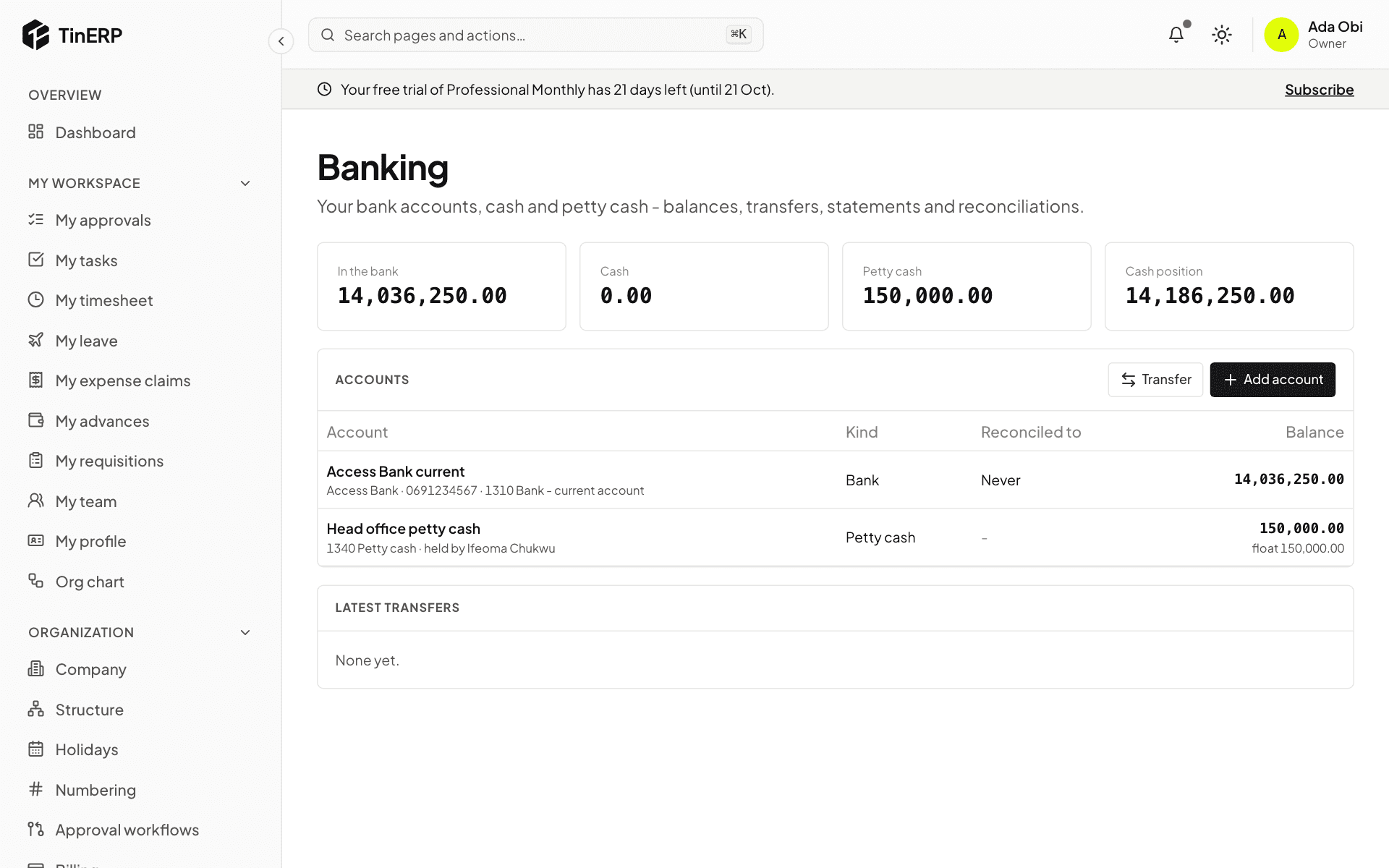
Go to Finance → Banking. The top shows what's in the bank, in cash and in petty cash - your cash position. Add account sets up a bank account, cash, or petty cash (with its custodian, float and the bank account it's topped up from).
Transfer moves money between them - for example cash withdrawn to the petty cash box.
2. Petty cash
Open the petty cash account. The custodian selects Record spending for each payment, with the expense account - keep the receipt with the voucher number on it. Count the box regularly; any difference from the books must be explained. Top up asks for approval to refill it from the bank.
3. Import the bank statement
Open the bank account and select Import statement, with the CSV file from your bank. The first time, match its columns - TinERP remembers them. The lines must add up from the opening to the closing balance, so a file read the wrong way round is refused.
4. Reconcile
Select Reconcile. Match each statement line with what's in the books - TinERP suggests matches with the same amount within a week. For what the books don't have yet, such as bank charges, stamp duty or interest, say what it is and choose the account: the entry is made and matched in one go.
When every line is explained and the Difference is zero, select Finish and lock.