Everyday tasks · Everyone · about 4 min
Claim expenses and request advances
Both go for approval and then to your finance team to pay. You'll find your claims under My expense claims and your advances under My advances.
1. Claim expenses
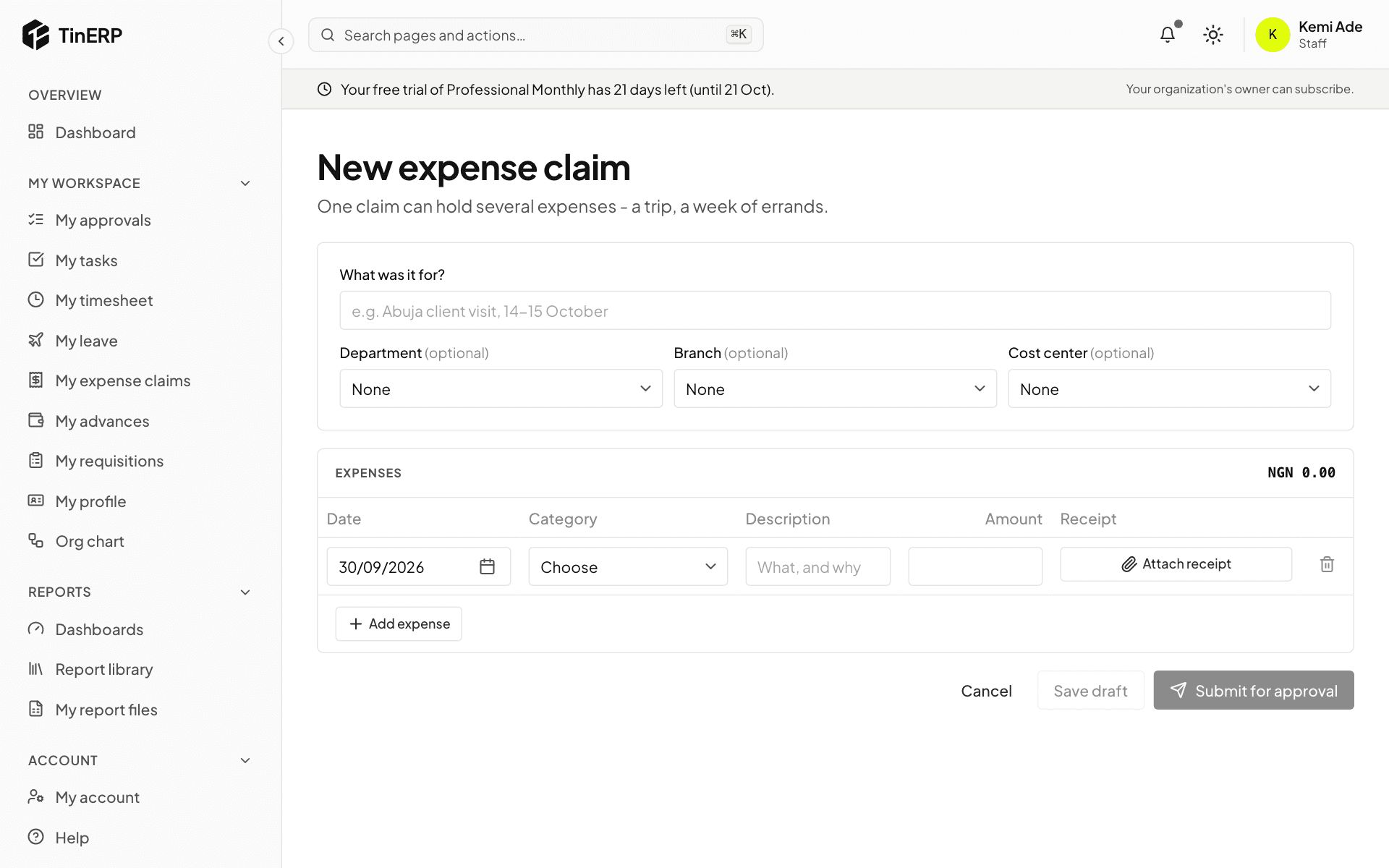
Go to My expense claims and start a new claim. Say what it was for, then add each expense: date, category, description and amount. Attach a photo or scan of the receipt with Attach receipt.
Select Submit for approval, or Save draft to finish later.
2. Request an advance
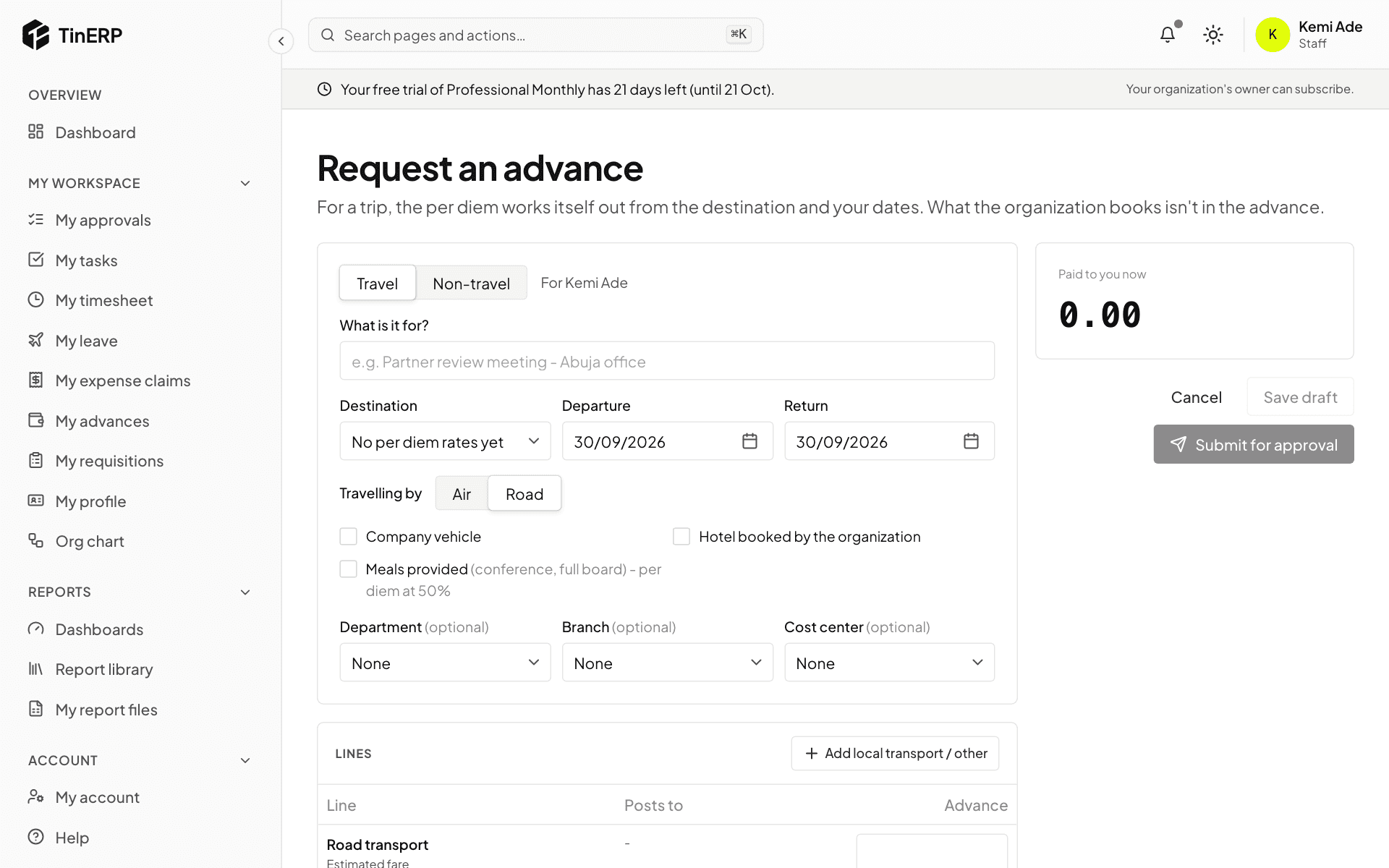
Go to My advances and start a new request. For a trip, choose Travel and fill in the itinerary: each leg's date, where it's from and to, and how you travel. A simple trip is one leg out and one back; Add a stop for a trip through several cities. Tick Hotel booked by the organization for each place it books. The per diem is worked out for you, each place at its own rate. For anything else, choose Non-travel and add the lines.
Save it, then attach supporting documents - the invitation, agenda or memo - on the advance's page before you submit it. Your organization may require one above an amount.
After the trip, retire the advance: show what you spent, with receipts, add proof of travel (boarding passes, tickets, hotel bills), and return anything left over.