Finance · Finance teams and management · about 4 min
Reports and financial statements
Every report comes straight from the posted journals - there's nothing to prepare or refresh.
1. The trial balance
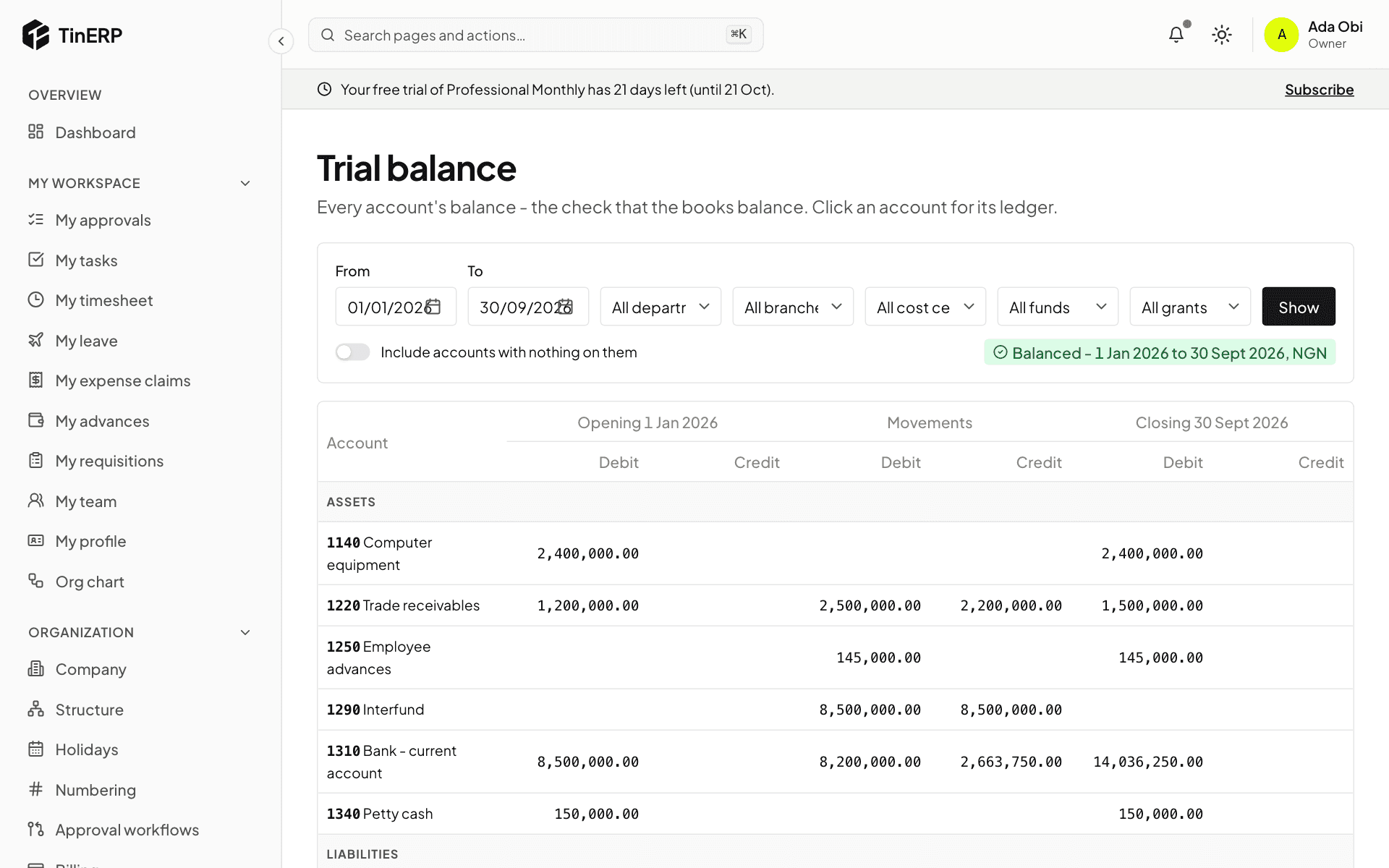
Finance → Trial balance lists every account's opening balance, movements and closing balance between two dates, and confirms the books balance. Filter by department, branch, cost center, fund or grant. Select an account for its ledger, with the balance after each line.
Below it, Subledgers checks each control account against its detail - receivables against unpaid invoices, payables against unpaid bills, and so on. They should always agree; a month can't be closed if one doesn't.
2. The financial statements
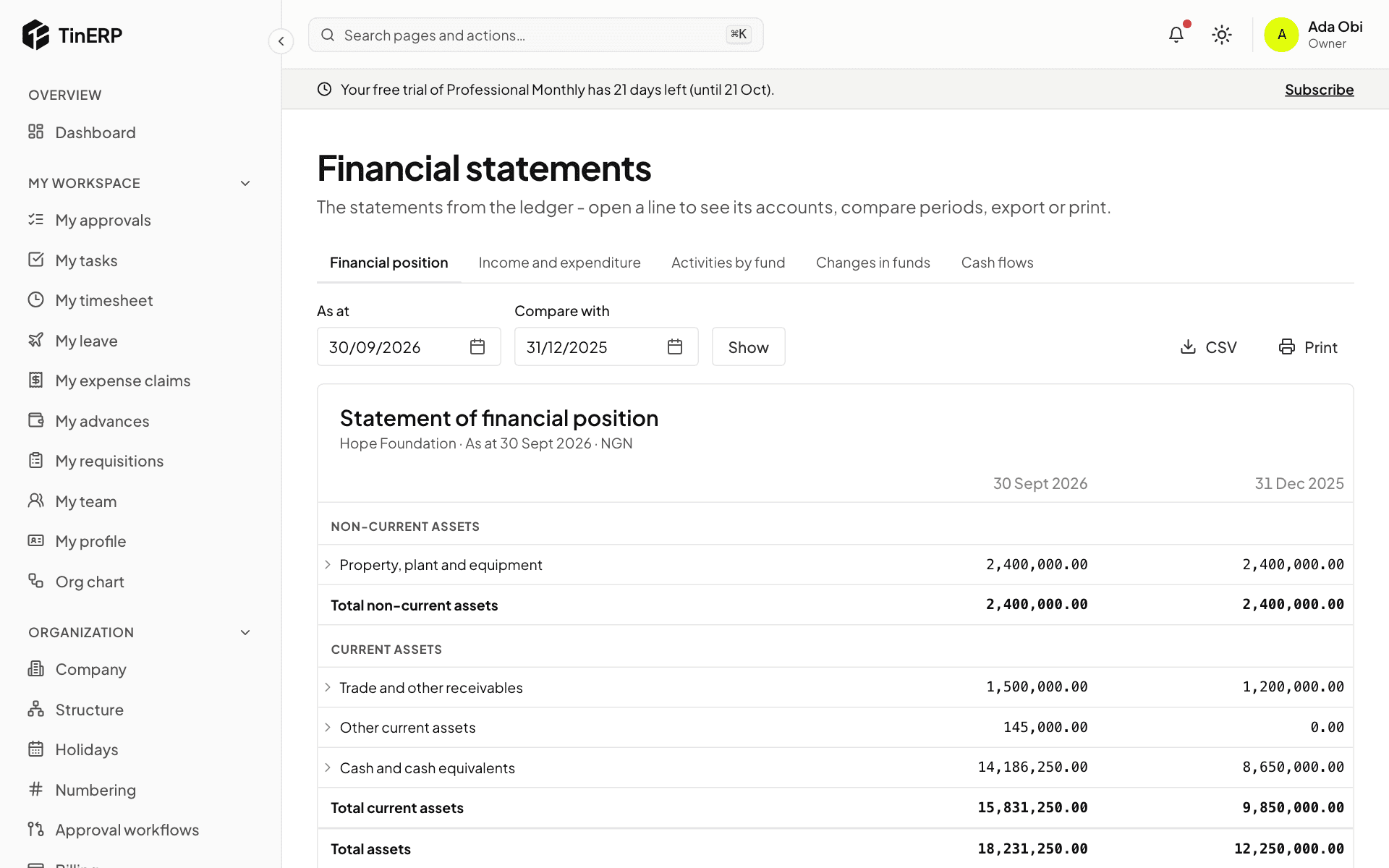
Finance → Financial statements has the Financial position at a date (compared with the end of last year), Profit or loss - for NGOs Income and expenditure - for any dates compared with a year earlier, changes in equity (NGOs: Changes in funds), and Cash flows. NGOs also get Activities by fund.
Open a line to see its accounts. CSV exports it; Print puts it on your letterhead, to print or save as PDF.