HR · HR teams and managers · about 3 min
HR reports
HR → HR reports has four reports. Each shows only the people you may see - HR sees everyone, a manager their department and reporting line. Every table can be exported as CSV.
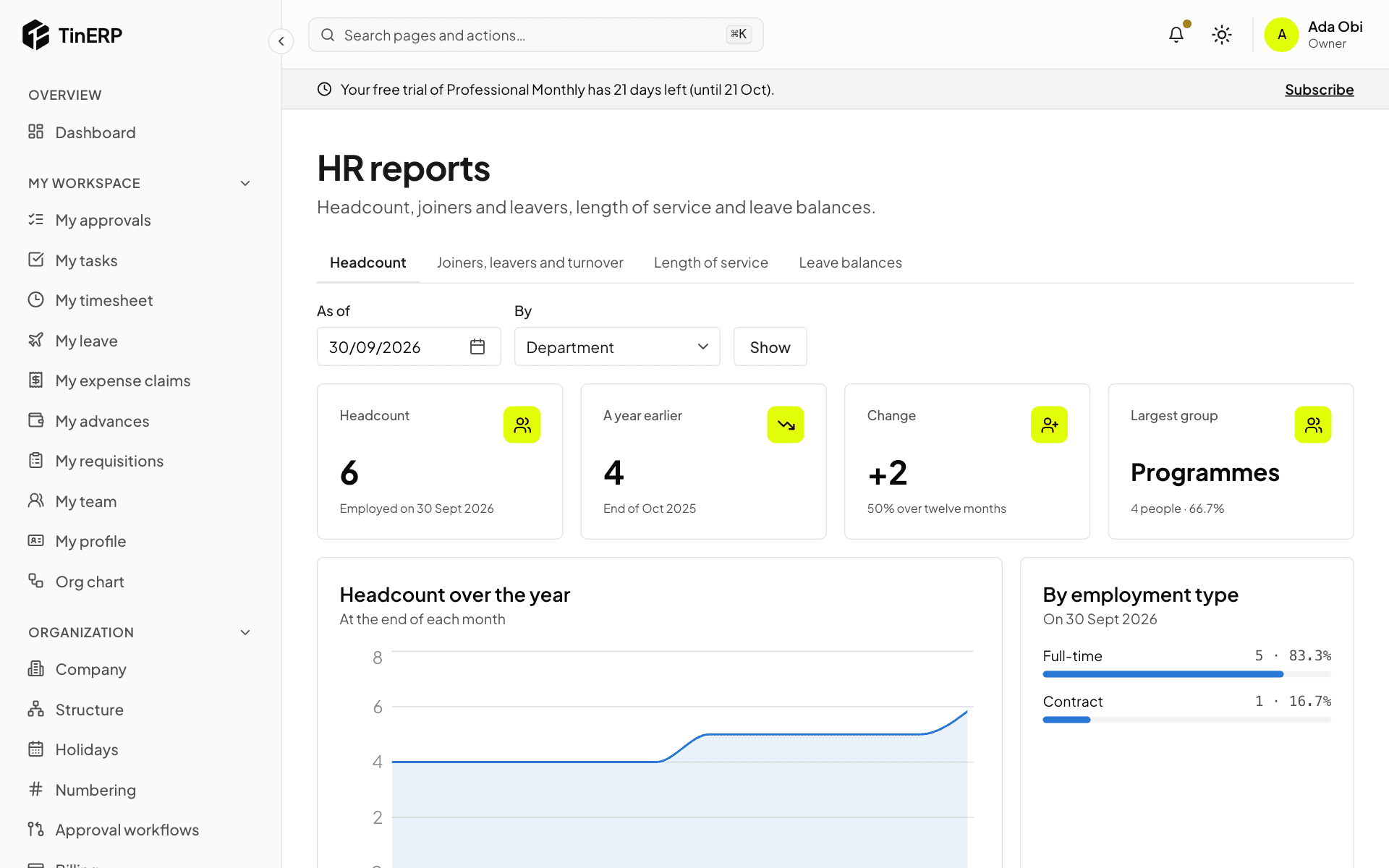
1. Headcount
Who was employed on any date, grouped by department, branch, grade, employment type or gender - with the trend over the last year. Choose As of and By, then Show.
2. Joiners, leavers and length of service
Joiners, leavers and turnover covers a period you choose: who joined and left, turnover (leavers divided by the average headcount) and exit reasons. Length of service groups people by years of service, and lists work anniversaries and birthdays in the next 60 days.
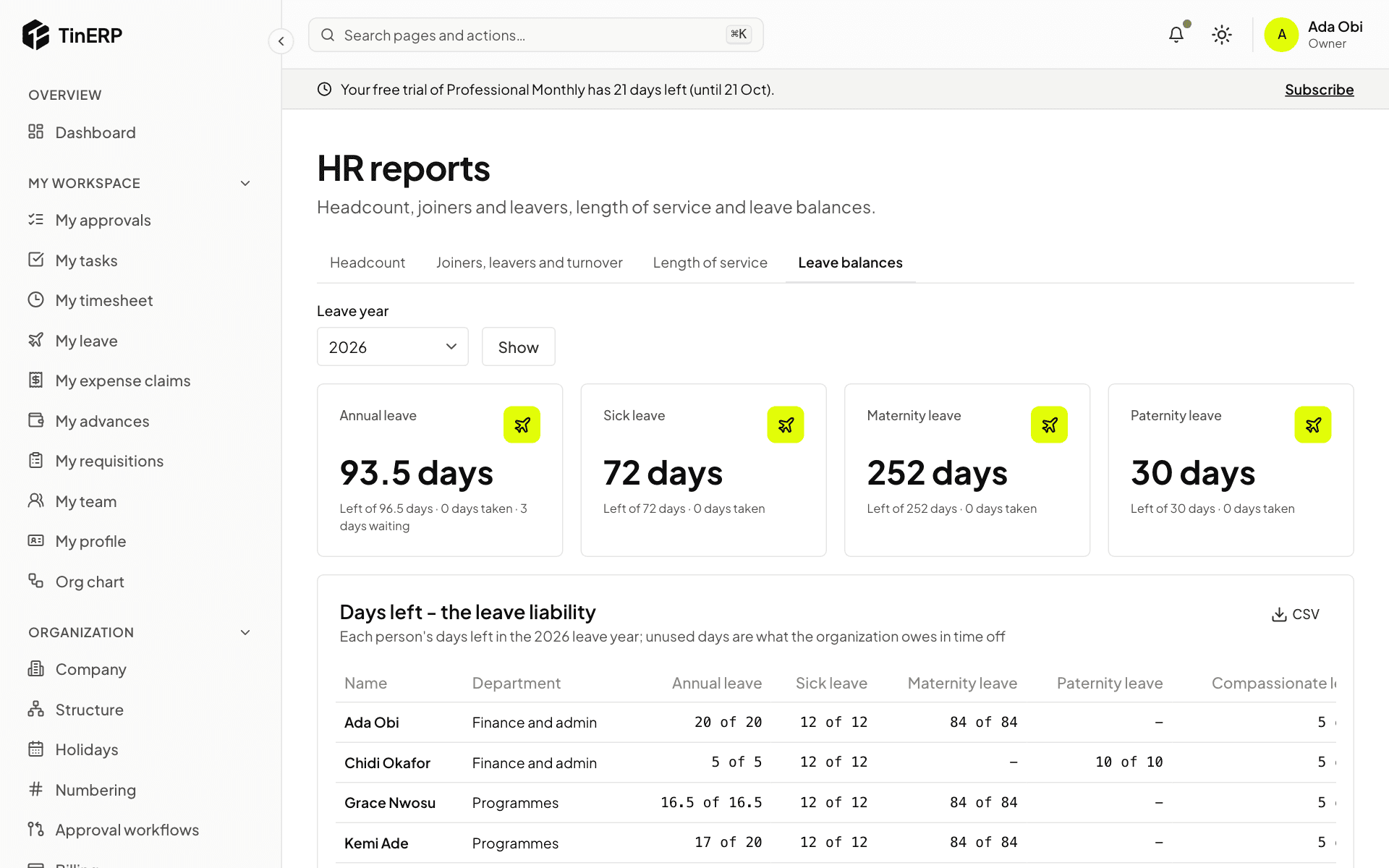
3. Leave balances
Each person's allowance, days taken, waiting and left, for every leave type with an allowance. The days left are your organization's leave liability.