Walk-throughs · Finance teams · about 6 min
Month-end
Do these in the first days of the new month, then close the old one. Once it's closed, your reported figures stay put.
1. 1. Reconcile the bank
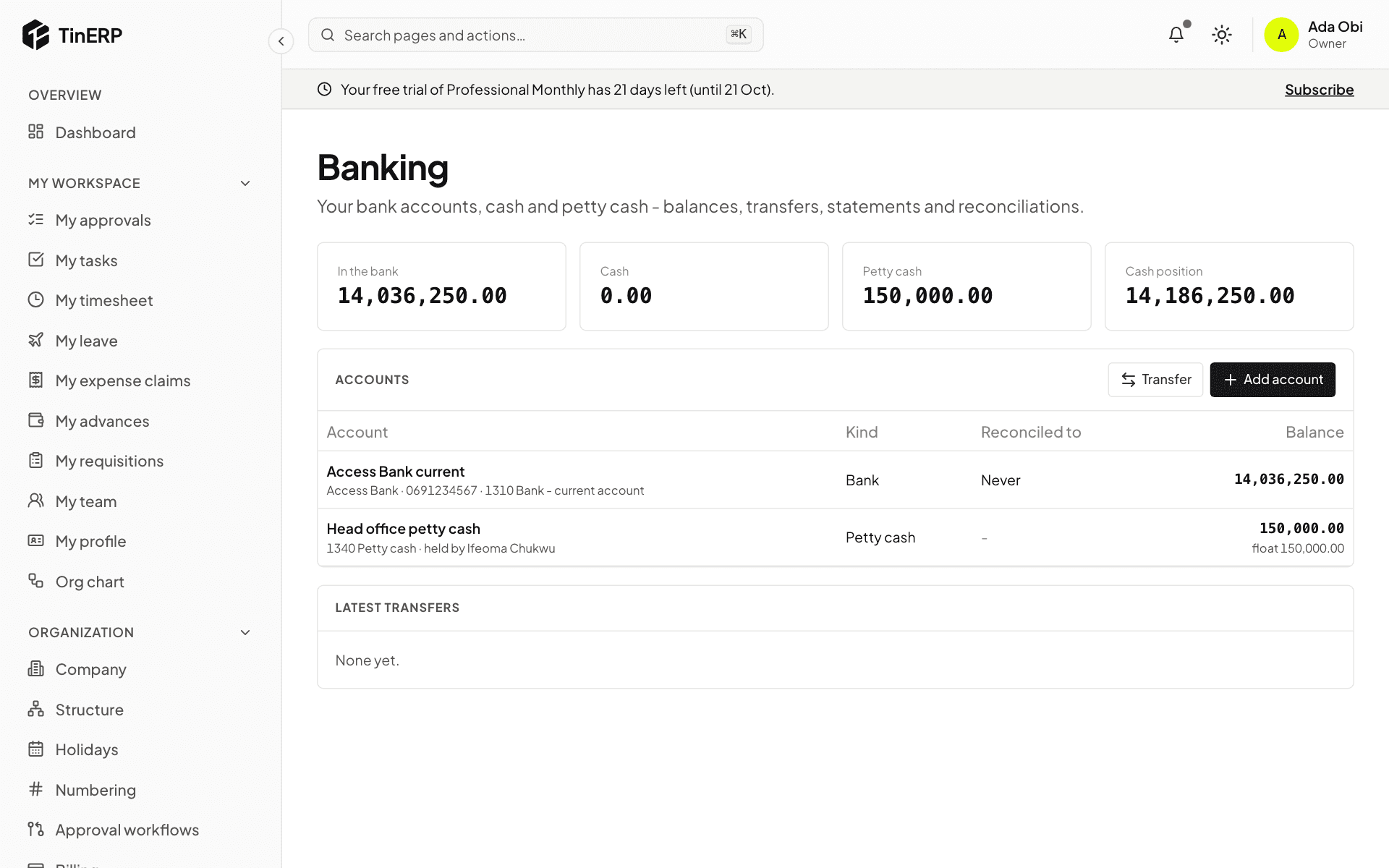
For each bank account, import the month's statement and reconcile it in Finance → Banking - recording bank charges and interest as you go. Count petty cash.
2. 2. Catch up on documents
Post the month's sales invoices and bills. Check Procurement → Reports → Received, not invoiced: anything delivered but not yet billed is a cost of this month - post an Accrual journal for it (it reverses itself next month).
Pay approved expense claims, and chase advances whose retirements are overdue.
3. 3. Let the schedules run
Prepayment and deferred income releases post by themselves. Recurring journals - rent, depreciation - too. Check Finance → Journals for drafts left waiting.
4. 4. Check the books agree
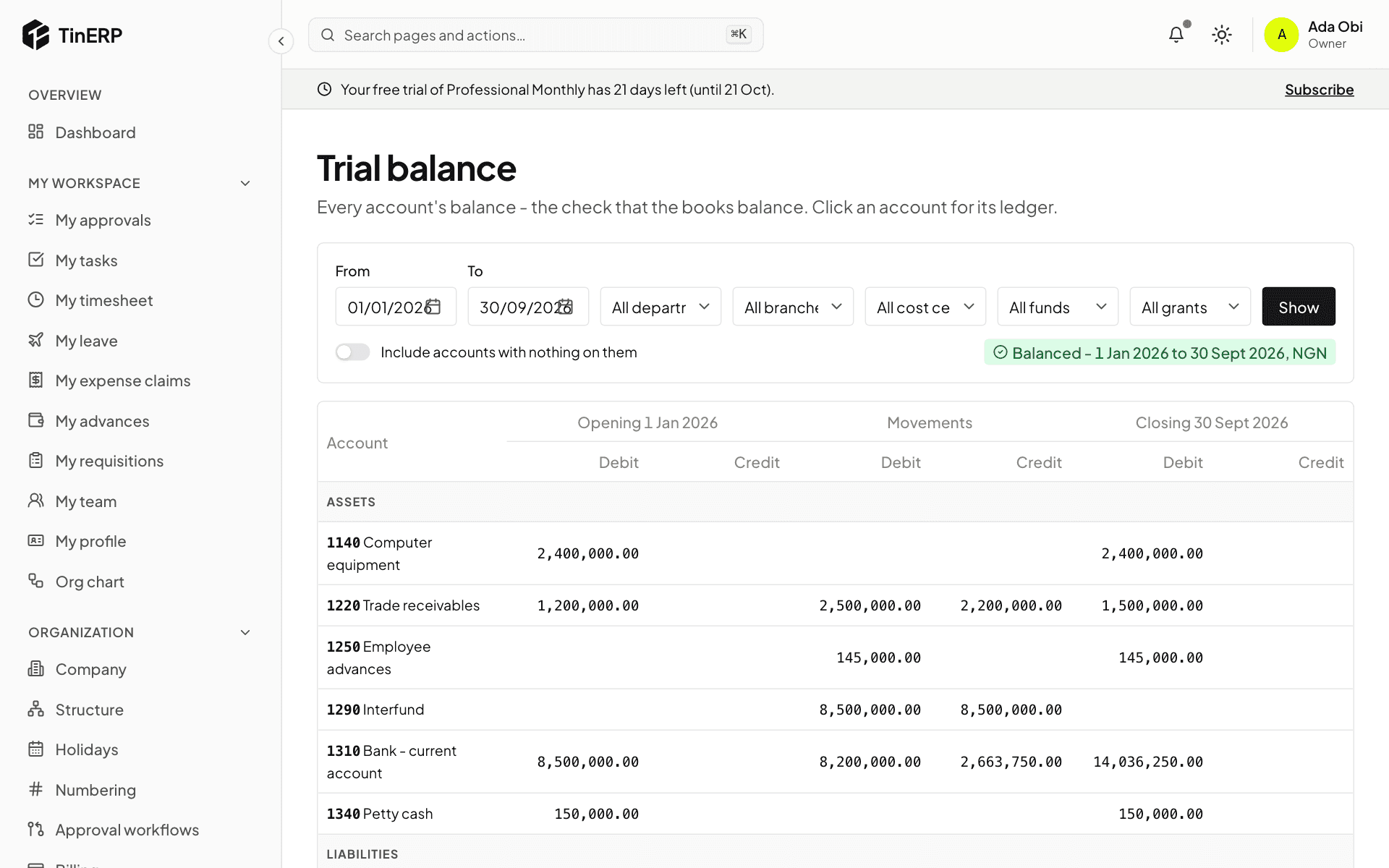
Run the Trial balance for the month and check Subledgers says All agree. Look at Budget vs actual for anything unexpected.
5. 5. Tax
The month's VAT return and WHT schedules are due by the 21st. File them, pay them, and record both in Finance → Tax returns.
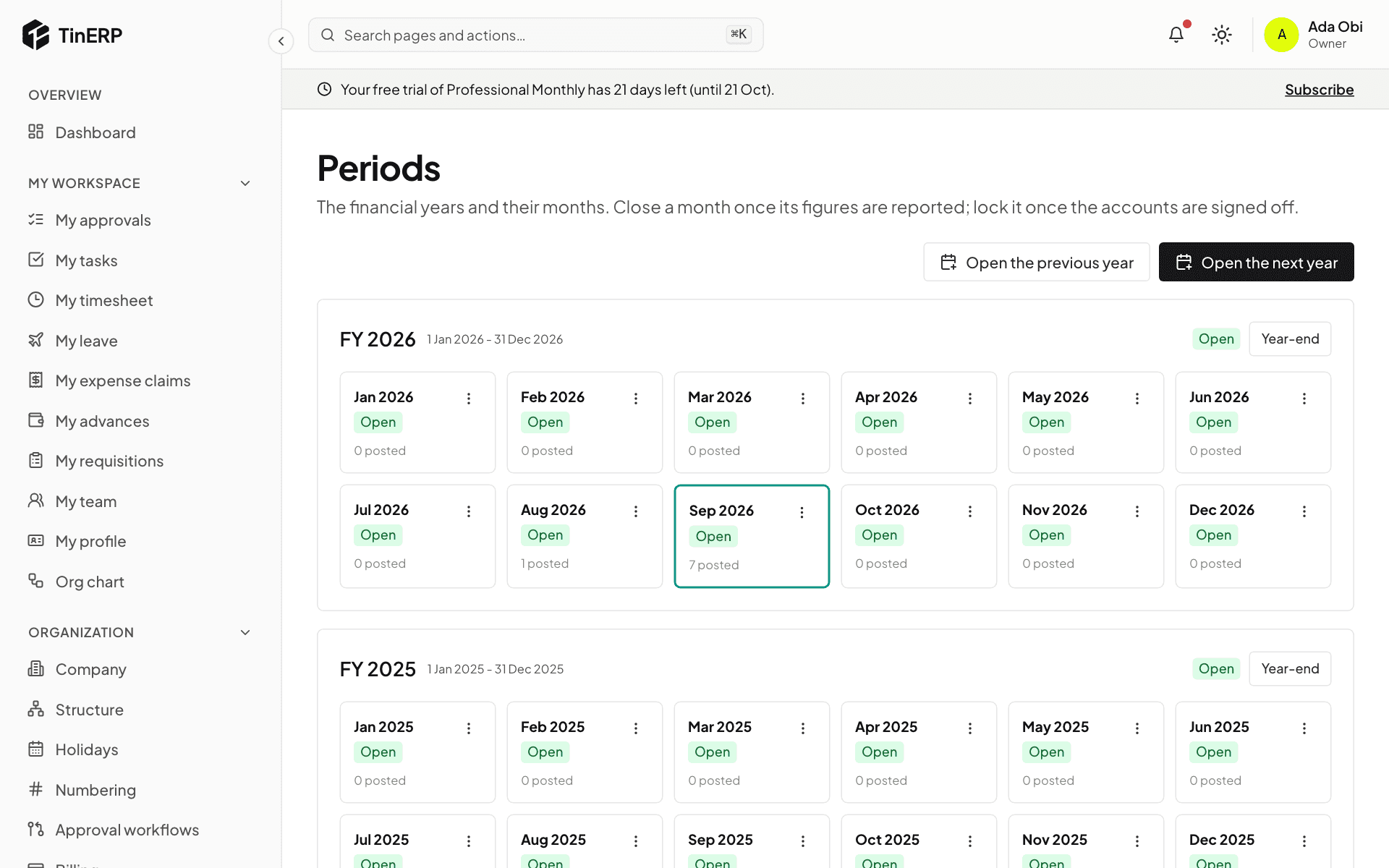
6. 6. Close the month
In Finance → Periods, Close the month. Then produce the month's Financial statements - for NGOs, activities by fund and each grant's budget for the donors.