Projects · Project managers and members · about 4 min
Plan the work on the board
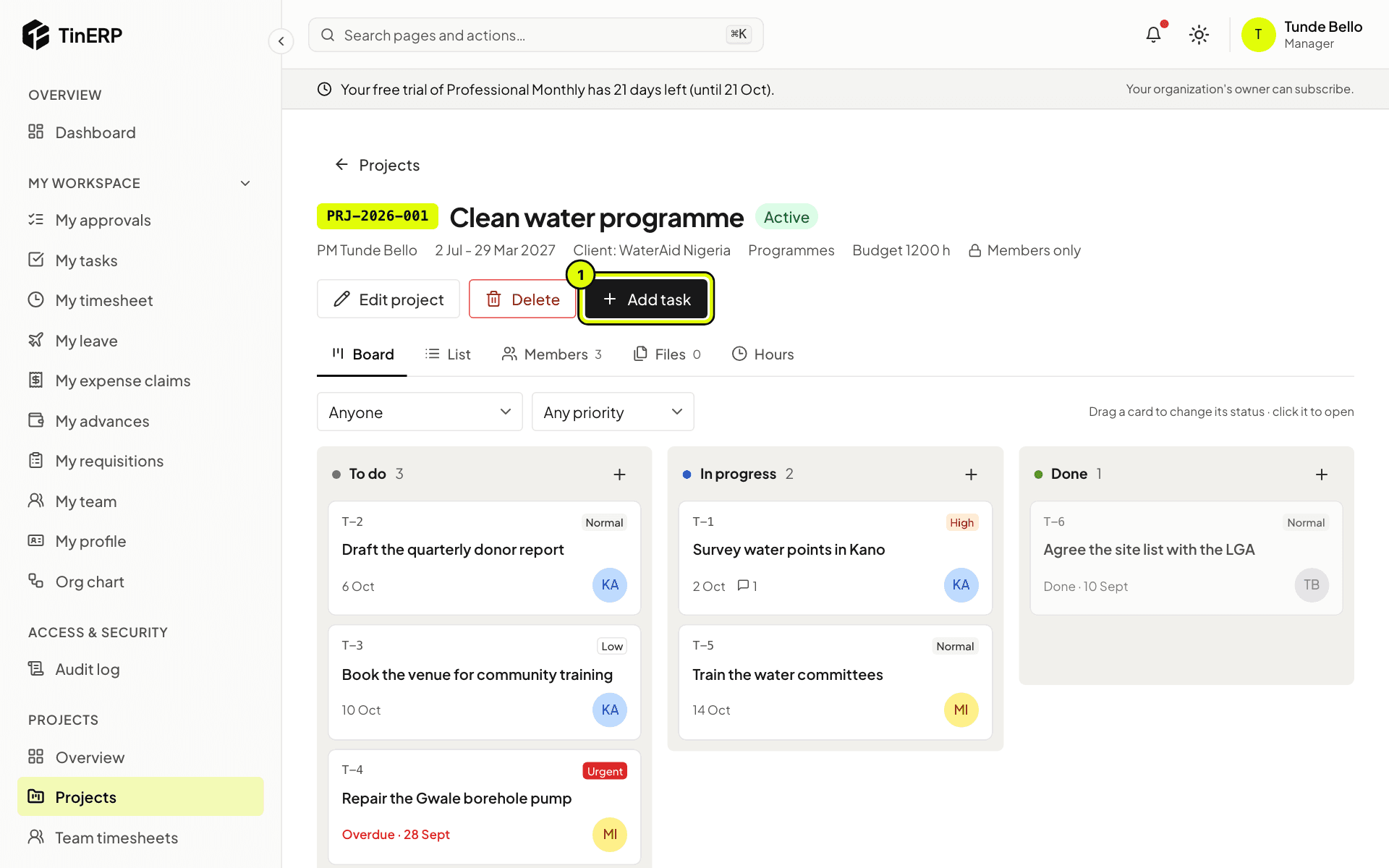
Every project (except internal ones) has a task board with three columns: To do, In progress and Done.
1. Add tasks
Select Add task (1), or the + at the top of a column. Give it a title, an assignee (one of the members), a due date and a priority - low, normal, high or urgent. The assignee is told.
2. Follow the board
Drag a card to another column to change its status. Filter by assignee or priority. Overdue tasks are marked in red.
Select a card to open it: the task panel has its details, files, comments and history.
Tip: Assignees are reminded the day before a task is due, and again when it's overdue.
3. Or use the list
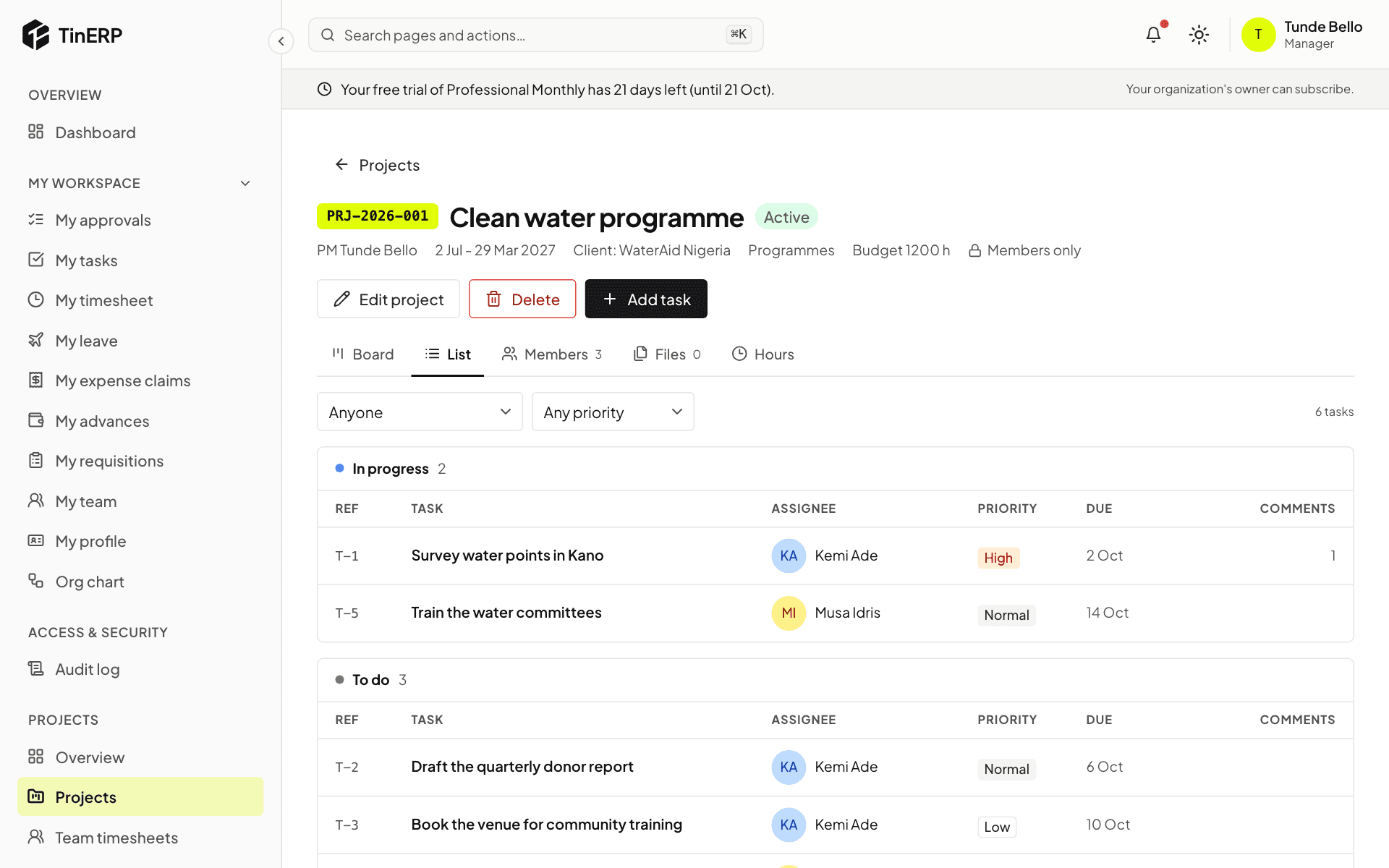
List shows the same tasks grouped by status, with their assignee, priority, due date and comments.