Procurement · Procurement managers · about 3 min
Procurement reports
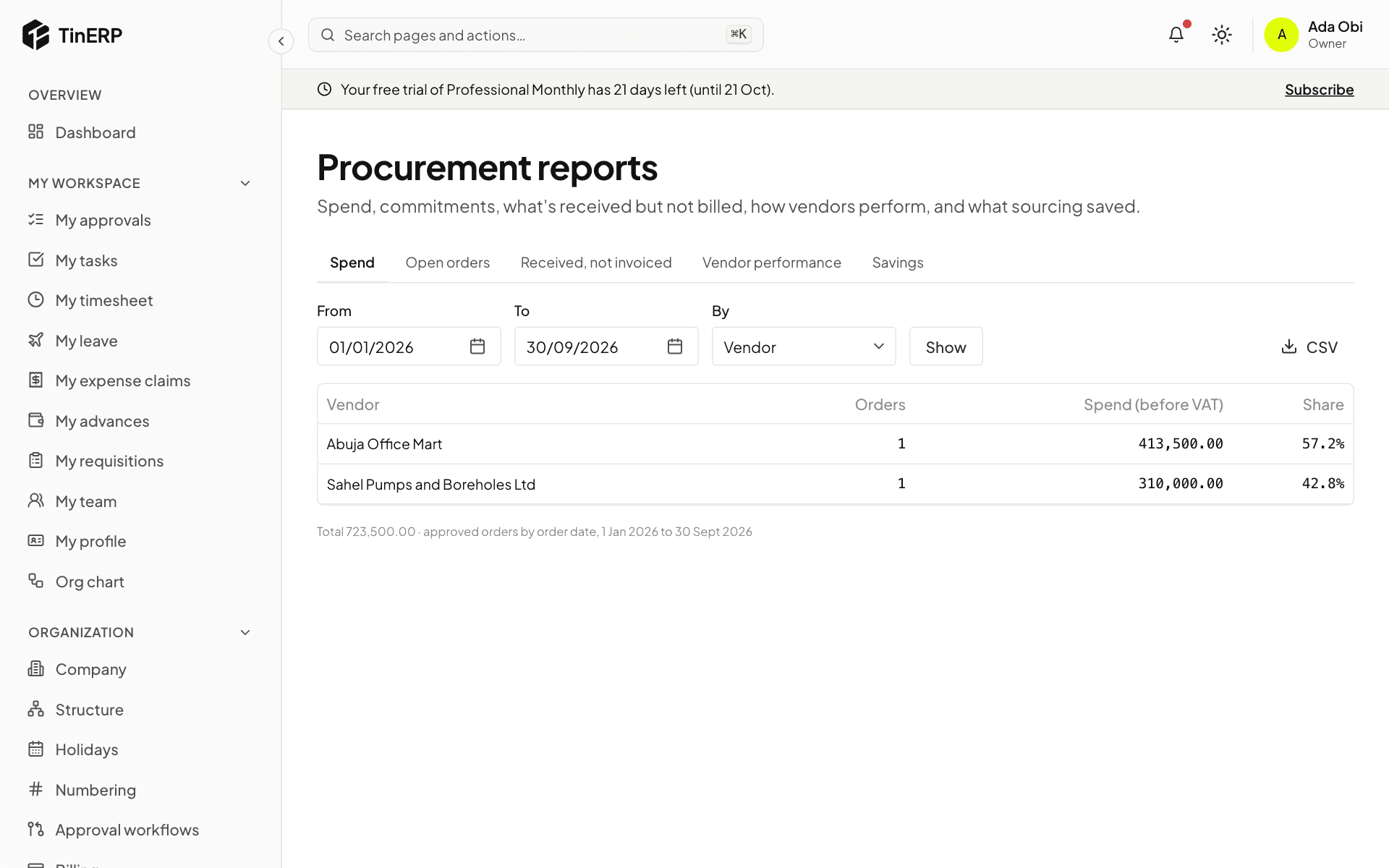
Procurement → Reports has five reports, each with CSV export.
1. The reports
Spend - approved orders before VAT, by vendor, category or department, for any dates. Open orders - what's still to come, how much is received, and days late. Received, not invoiced - delivered but not yet billed: what Finance accrues at month end.
Vendor performance - on-time delivery, average delay, returns, invoice exceptions and price differences. Savings - what each award saved against the average and lowest quotations, and orders against requesters' estimates.