Everyday tasks · Everyone · about 3 min
Your profile and account
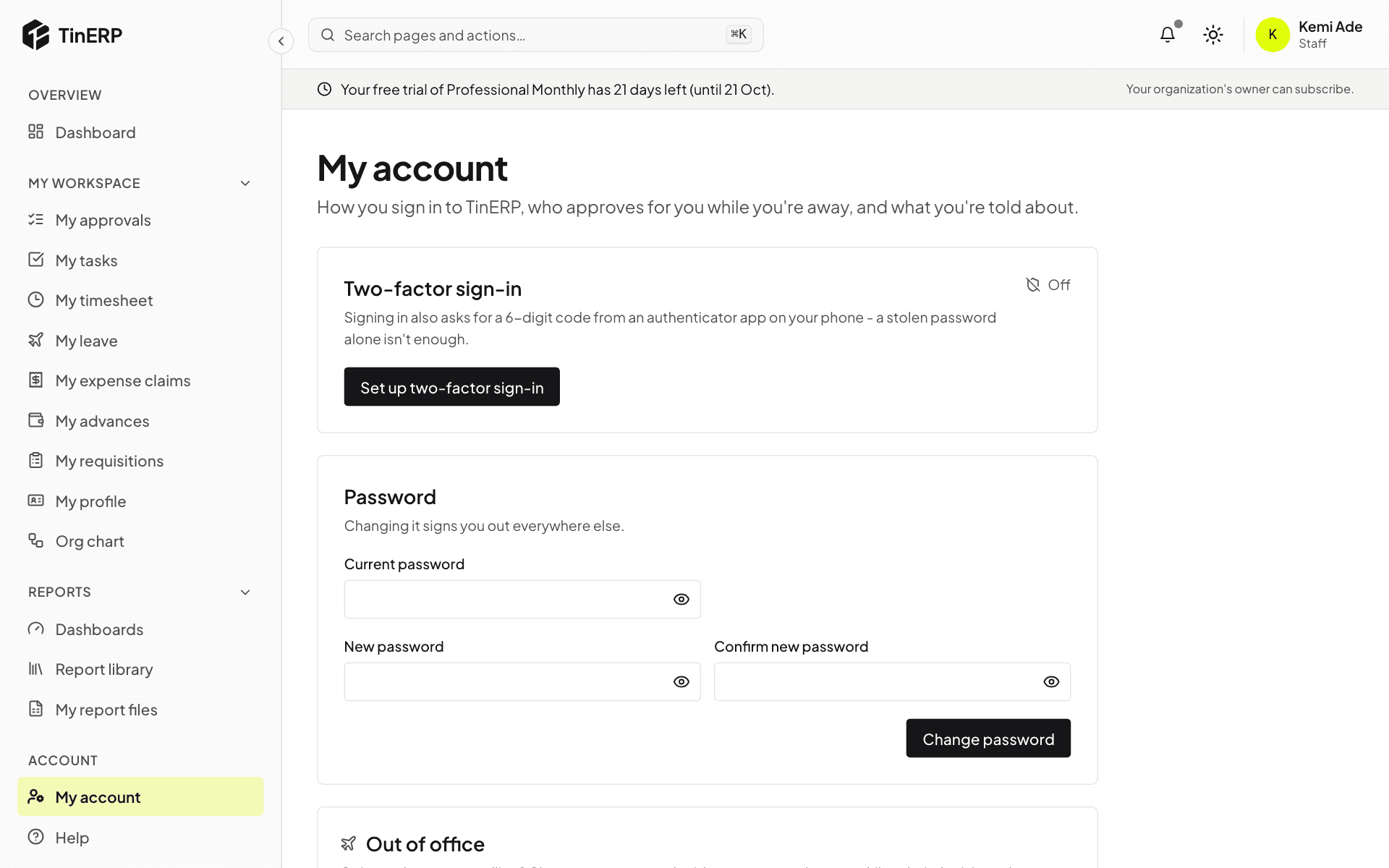
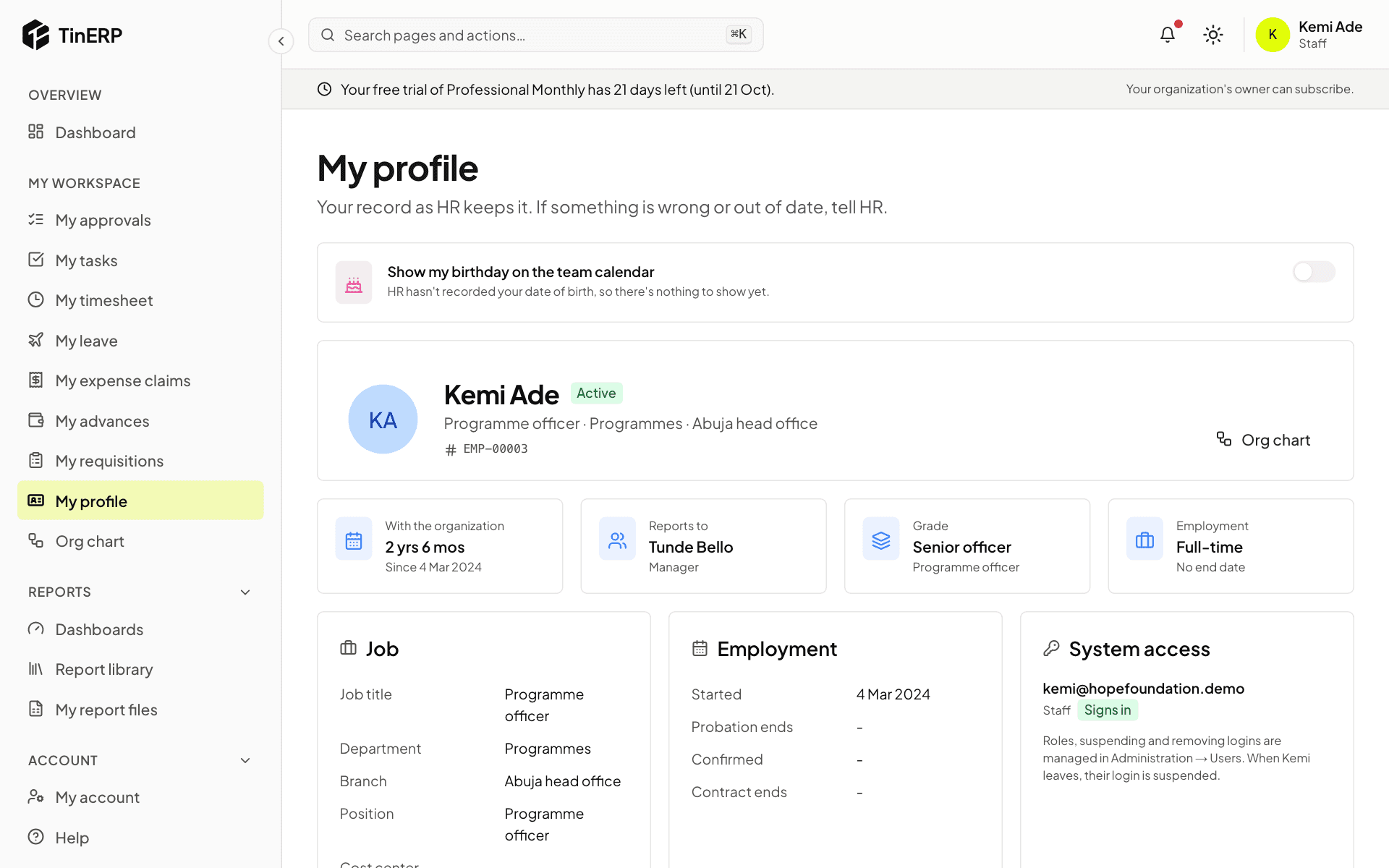
My profile is your record as HR keeps it. My account is how you sign in.
1. Check your profile
Go to My workspace → My profile to see your job, department, manager and employment details. If something is wrong or out of date, tell HR - they keep the record.
2. Secure your account
Go to My account. Select Set up two-factor sign-in and scan the code with an authenticator app on your phone - then signing in also asks for a 6-digit code, so a stolen password alone isn't enough.
You can change your password here too; changing it signs you out everywhere else.