Procurement · Buyers · about 5 min
Raise and send purchase orders
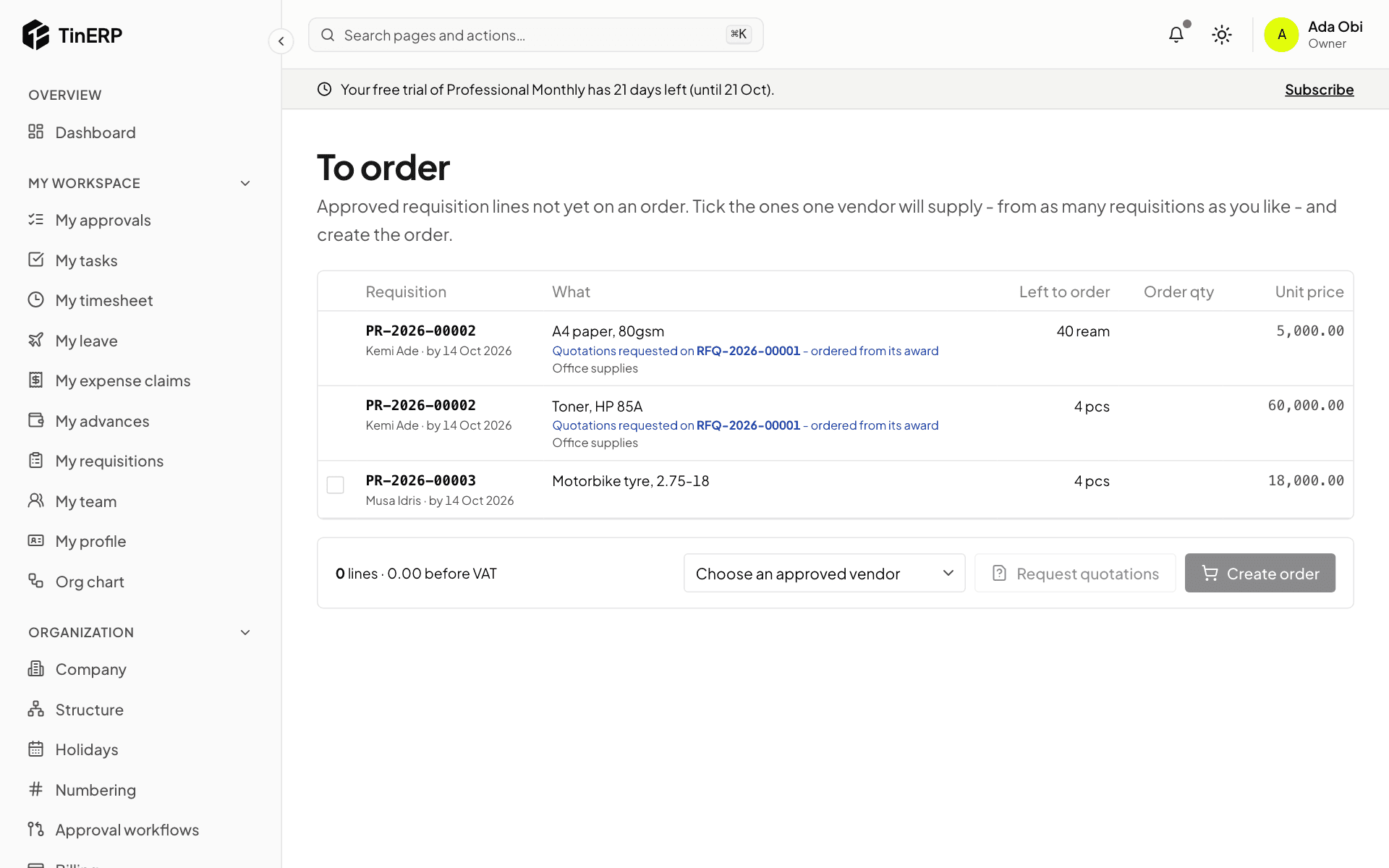
Approved requisition lines wait in To order until someone orders them. One order can take lines from many requisitions, as long as one vendor supplies them.
1. Pick what to order
Go to Procurement → To order. Tick the lines one vendor will supply, change the quantity or price if needed, choose an approved vendor, and select Create order - a draft order is made. Or select Request quotations first (see Get quotations).
Lines already out for quotations show it, and are ordered from the award.
2. Check and submit it
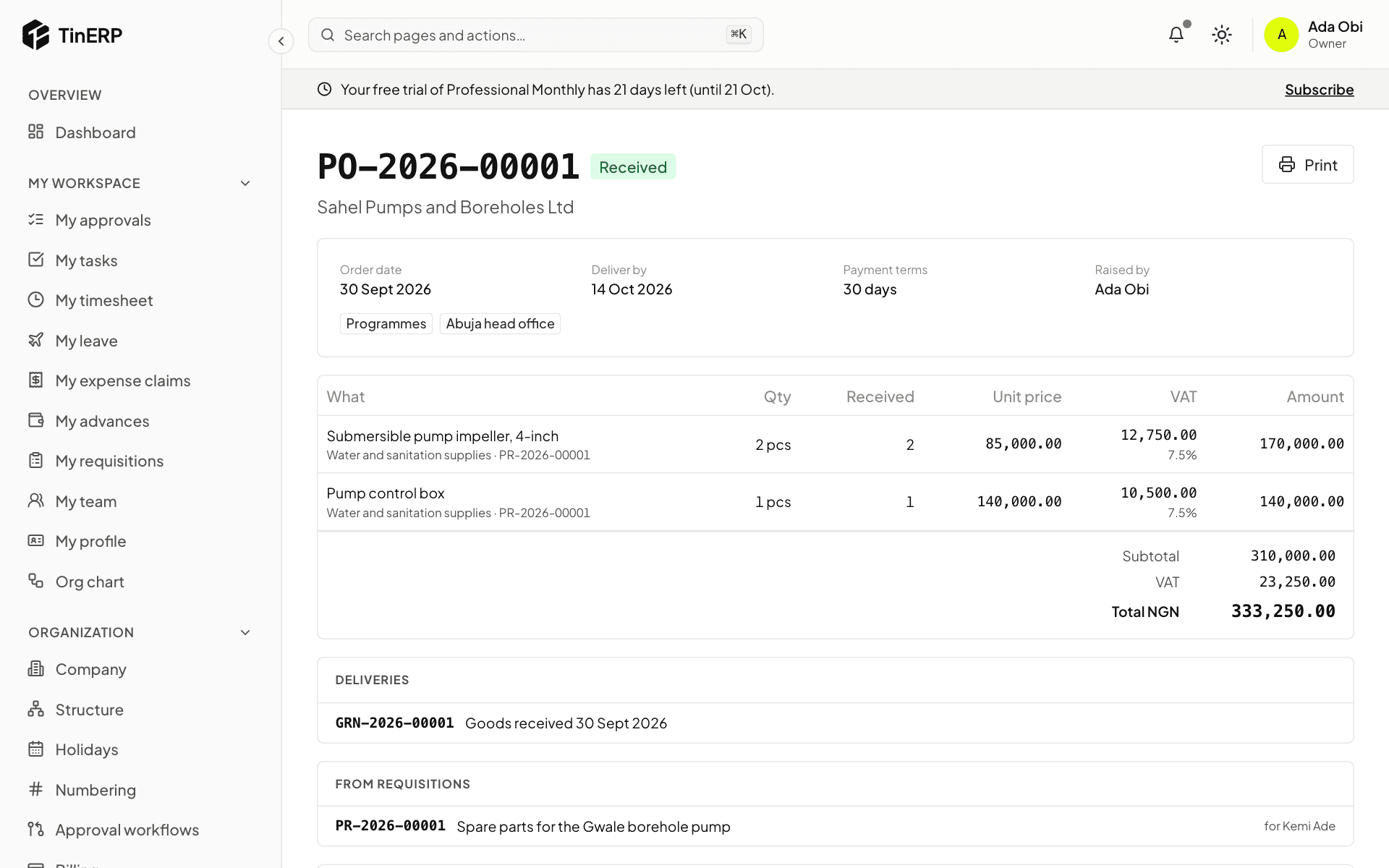
Open the draft order: the vendor, delivery date and place, terms, and the lines with their VAT. Edit anything, then Submit for approval. By default, orders over ₦1,000,000 need an Admin's approval; smaller ones are approved at once. Your organization can change this.
With Finance, the order is checked against the budget when submitted.
3. Send it to the vendor
Once approved, send it: it's emailed to the vendor's orders contact, or mark it sent if you gave it to them another way. Print gives a copy on your letterhead to print or save as PDF. Whoever raised the requisition is told.
4. Change, cancel or close
Revise an approved order that hasn't been received (with a reason) - the old version is kept, and it's approved again only if the total goes up. Cancel order frees its requisition lines to order again. Close a part-received order when nothing more is coming.