Procurement · Store keepers · about 3 min
Receive deliveries
Recording deliveries is what lets an invoice be matched: the vendor is paid for what actually arrived.
1. Receive a delivery
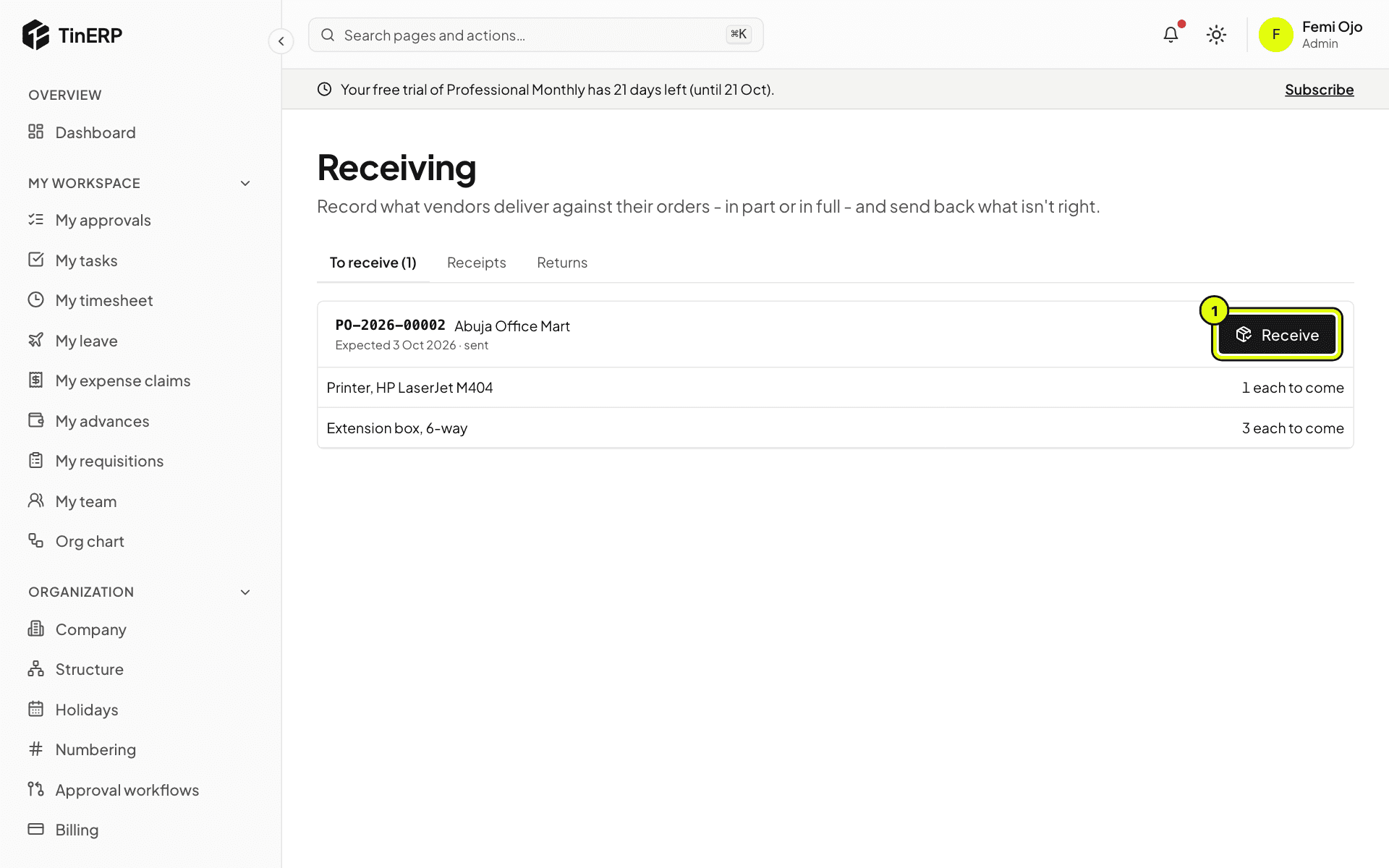
Go to Procurement → Receiving. To receive lists sent orders with what's still to come; late ones are marked. Select Receive: the date, the vendor's delivery note, and what arrived on each line (everything outstanding to start with - change it for a part delivery). For services, record a service confirmation instead.
Whoever raised the order can't receive it, unless your organization allows it.
2. Send back what isn't right
From a receipt, record a return: the quantities and why. They come off what's received, so the order expects them again, and the vendor's credit note can settle them later.