Reports · Managers and admins · about 3 min
Reports on a schedule
A scheduled report is made for each person it's sent to, with their own access - so one schedule gives each manager their own department's figures.
1. Schedule a report
Open the report or saved view and select Schedule: daily, weekly on a day, or monthly on a date, at a time; as PDF, Excel or CSV; Send to chosen people and everyone with a role. Tick to skip sending when there's nothing in it.
Relative periods - last month, month to date - keep a schedule meaningful.
2. Follow your schedules
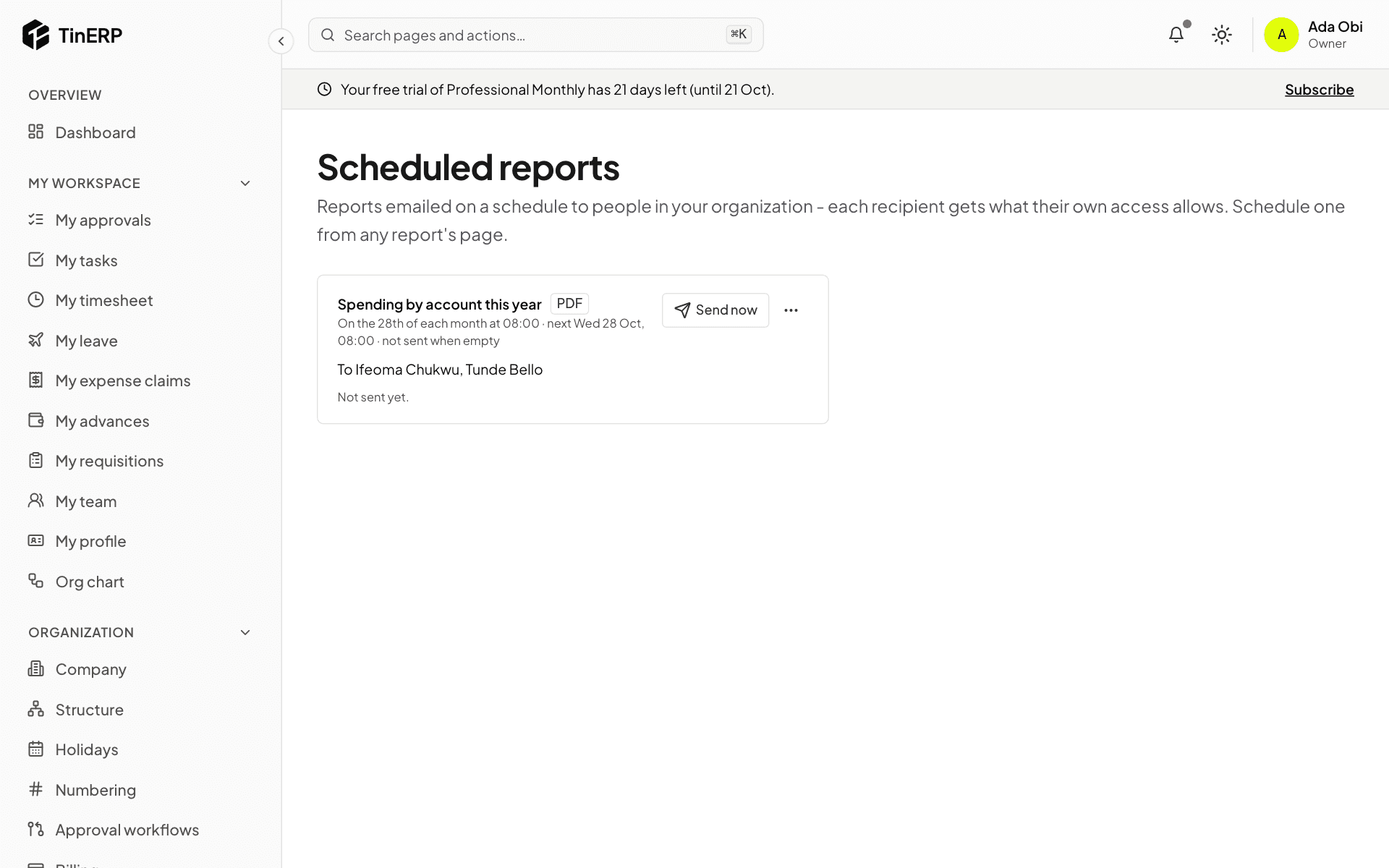
Reports → Scheduled reports shows each one: when it runs, to whom, and how the last run went. Send now runs it at once; the menu pauses or deletes it.
Each recipient is told, and finds their copy in Reports → My report files - the report itself never travels in the email.