Finance · Accountants · about 5 min
VAT and WHT returns
Every tax amount on a posted invoice, bill and payment goes into the tax ledger. Returns are built from it, month by month - due by the 21st of the next month.
1. See what's due
Go to Finance → Tax returns. VAT returns lists each month with tax, its due date and status - To file, Filed, Paid - and flags any overdue. Open a month for the return as it would be filed: sales by type, output VAT, recoverable input VAT, and the net due or carried forward.
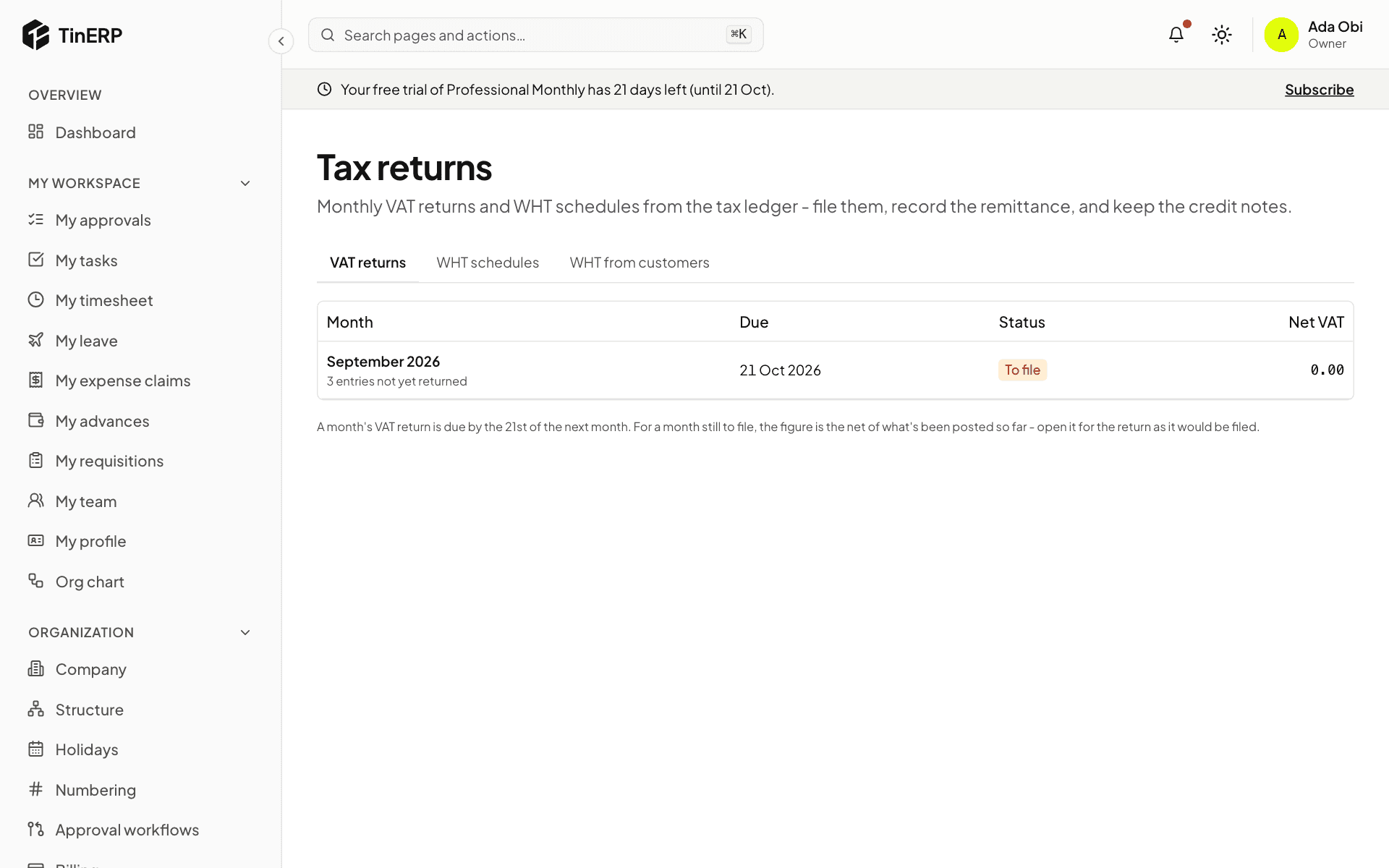
2. File and pay
Once the month is over, file the return on the NRS system, then record it here with the date and acknowledgement. When you pay, Record payment with the Remita or receipt reference. Part payments are allowed.
3. WHT schedules and credit notes
WHT schedules lists what you withheld from vendors, per tax authority - companies' to the NRS, individuals' to their state. File and pay them the same way, and record each vendor's WHT credit note once issued.
WHT from customers lists what customers withheld from you. When their credit note arrives, record it and use it against income tax - or, for organizations that pay none, such as most NGOs, write it off to an expense.