HR · HR teams · about 3 min
When someone leaves
Employees are never deleted. When someone leaves, their record is kept, with the date and the reason.
1. Record their exit
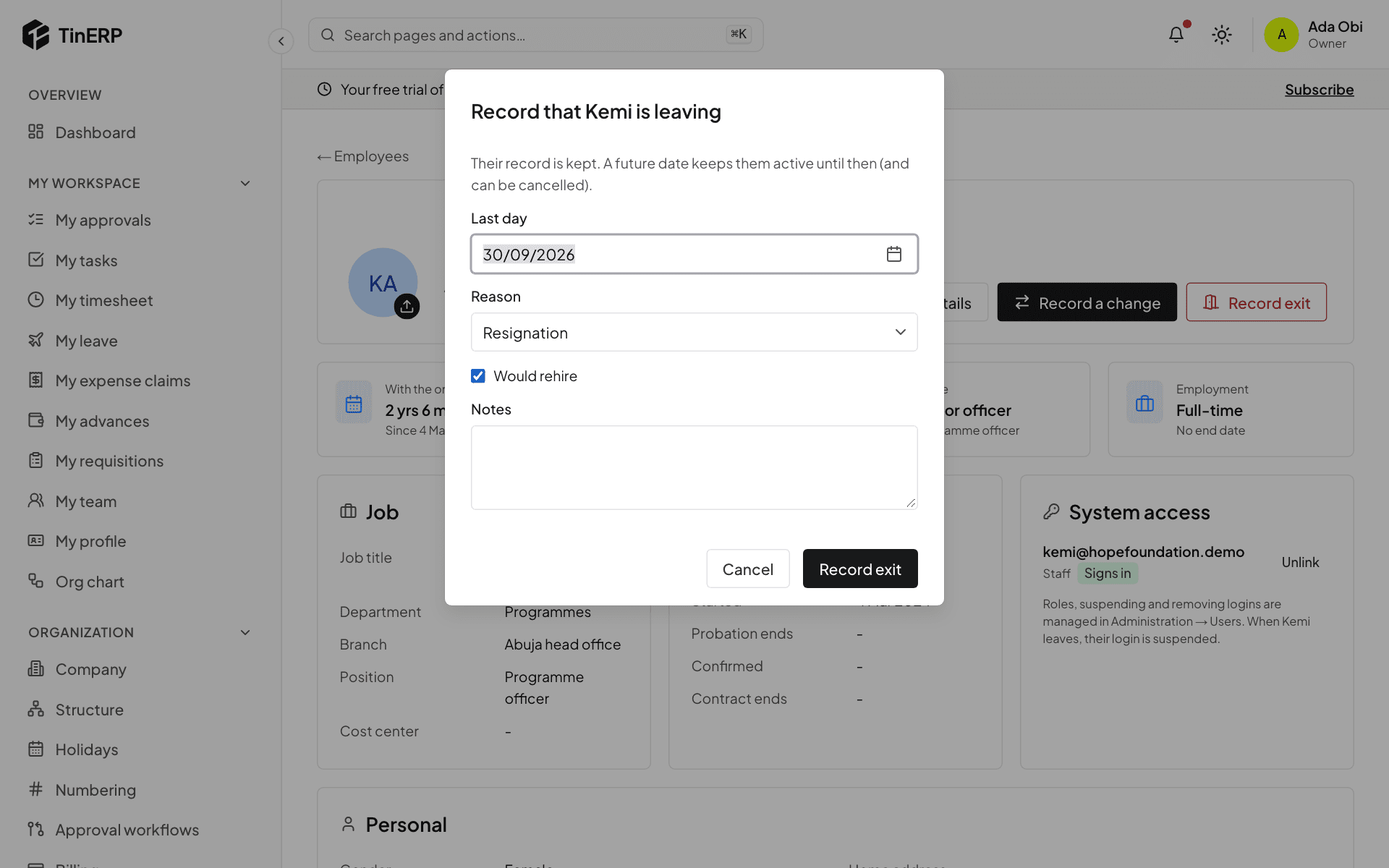
On their page, select Record exit. Enter their Last day, the reason, whether you'd rehire them, and any notes.
With a date still to come, they stay active until then. If they change their mind, select Cancel exit.
2. Offboarding starts
The default offboarding checklist starts - handover, return of company property, clearance, exit interview - and everyone with a step is told.
3. Their access closes by itself
On their last day, their login is suspended and they're signed out everywhere. They drop out of headcount, calendars and lists of people to choose from; their record, history and leave stay.
Questions
They headed a department - what happens?
They stop heading it on their last day. Choose a new head in Organization → Structure, so approvals that go to the department head still find someone.