Walk-throughs · Everyone involved in buying · about 6 min
Buying, from request to payment
Here's one real purchase in the Hope Foundation demo - spare parts for a borehole pump - through every step, with who does each. The detail of each step is in its own guide.
1. 1. Kemi asks for the parts
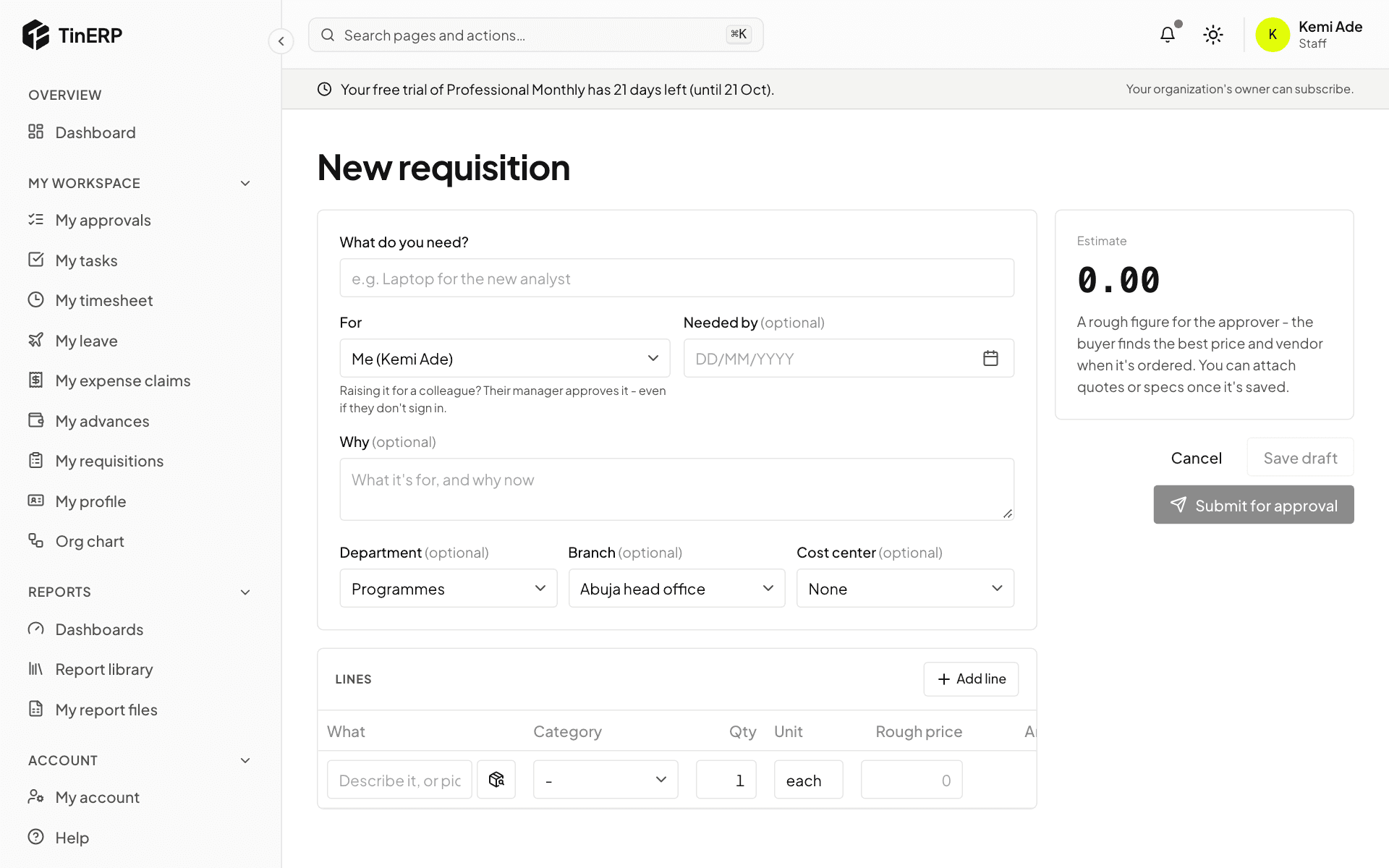
Kemi, a programme officer, raises a requisition in My workspace → My requisitions: what's needed, why, by when, and a rough price for each part. She submits it for approval.
2. 2. Tunde approves it
Tunde, her manager, sees it in My approvals and approves it. The lines now wait in Procurement → To order.
3. 3. Ada orders them
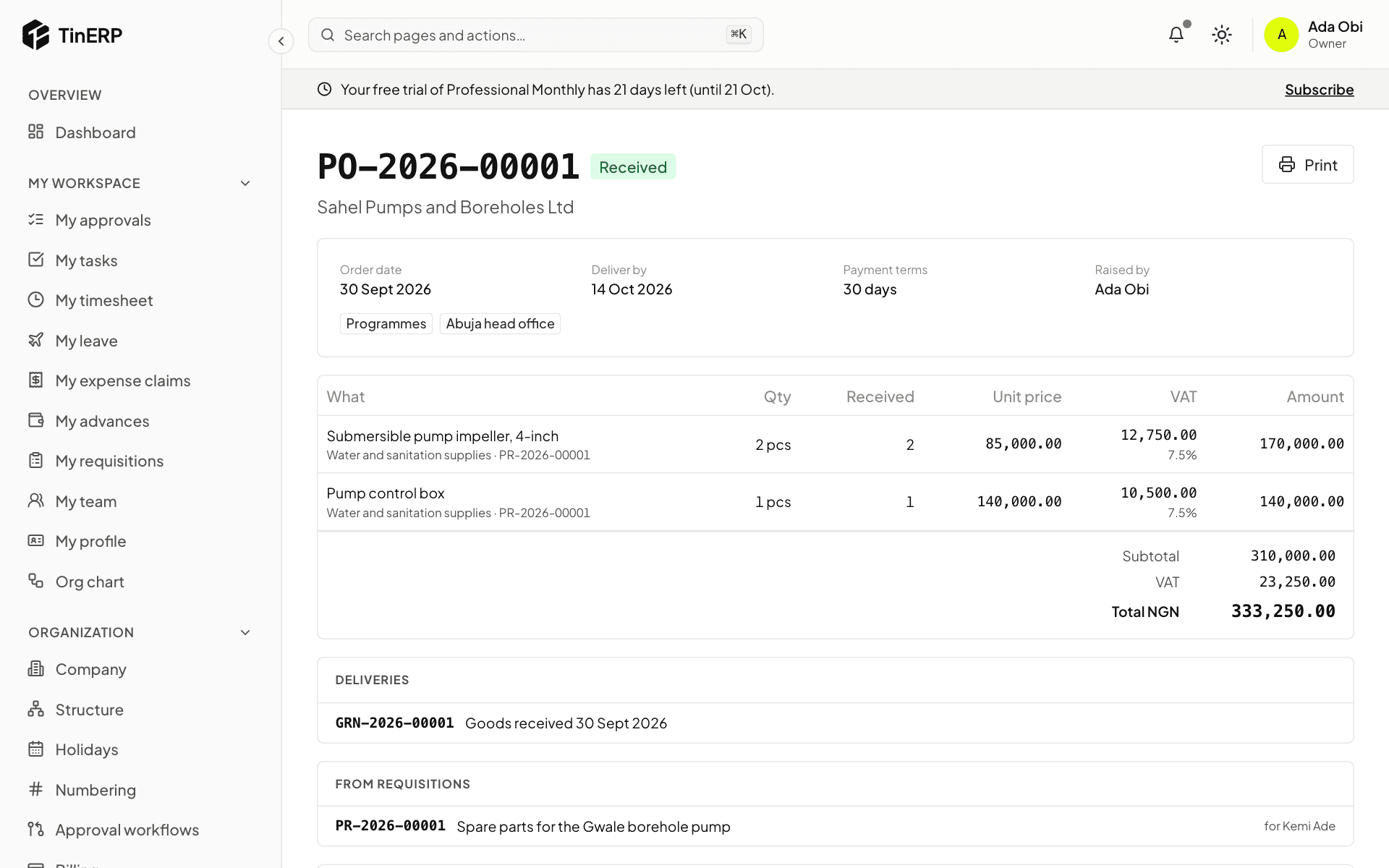
Ada, the buyer, ticks the lines in To order, chooses Sahel Pumps - an approved vendor - and creates the order. It's under ₦1,000,000, so it's approved at once; she sends it to the vendor. (For a larger or contested purchase, she'd get quotations first.)
4. 4. Femi receives the delivery
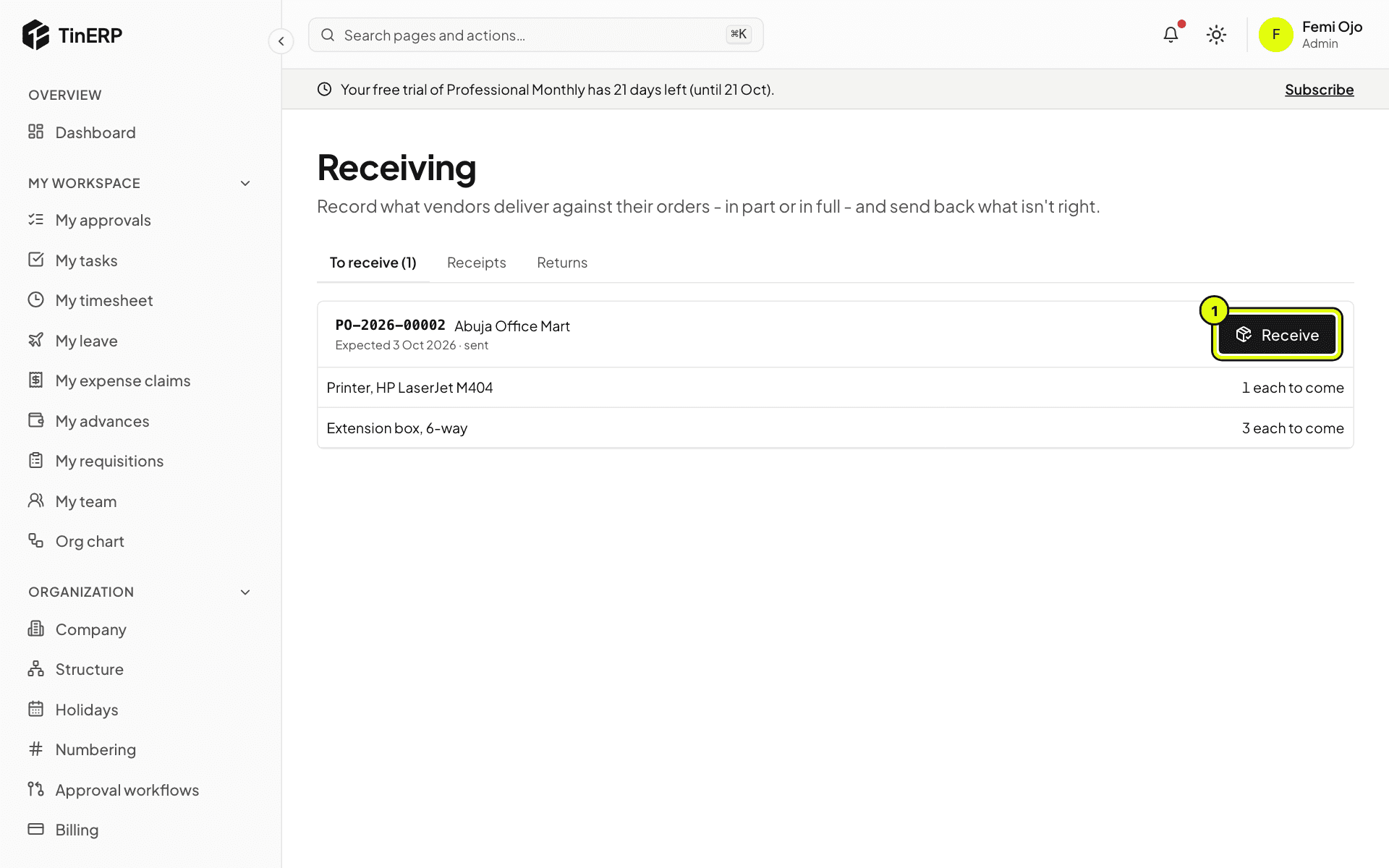
When the parts arrive, Femi, the store keeper, records them in Procurement → Receiving with the vendor's delivery note. Ada raised the order, so she couldn't receive it herself.
5. 5. The invoice is matched and approved
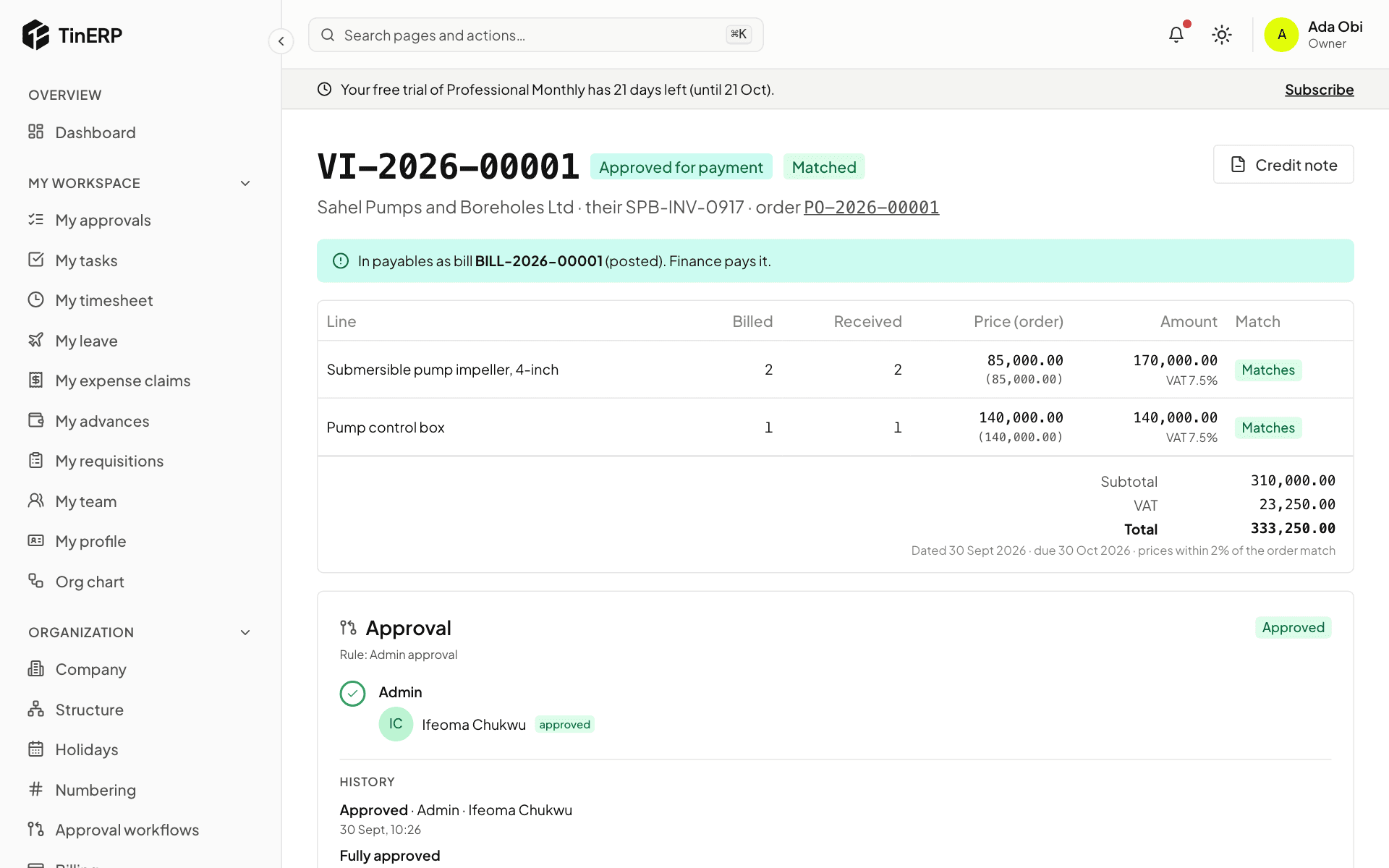
Sahel's invoice arrives. Ada enters it against the order; it matches what was ordered and received. Ifeoma, in finance, approves it for payment - neither Ada (who submitted it) nor Femi (who received the goods) could. It becomes a bill in Finance.
6. 6. Finance pays
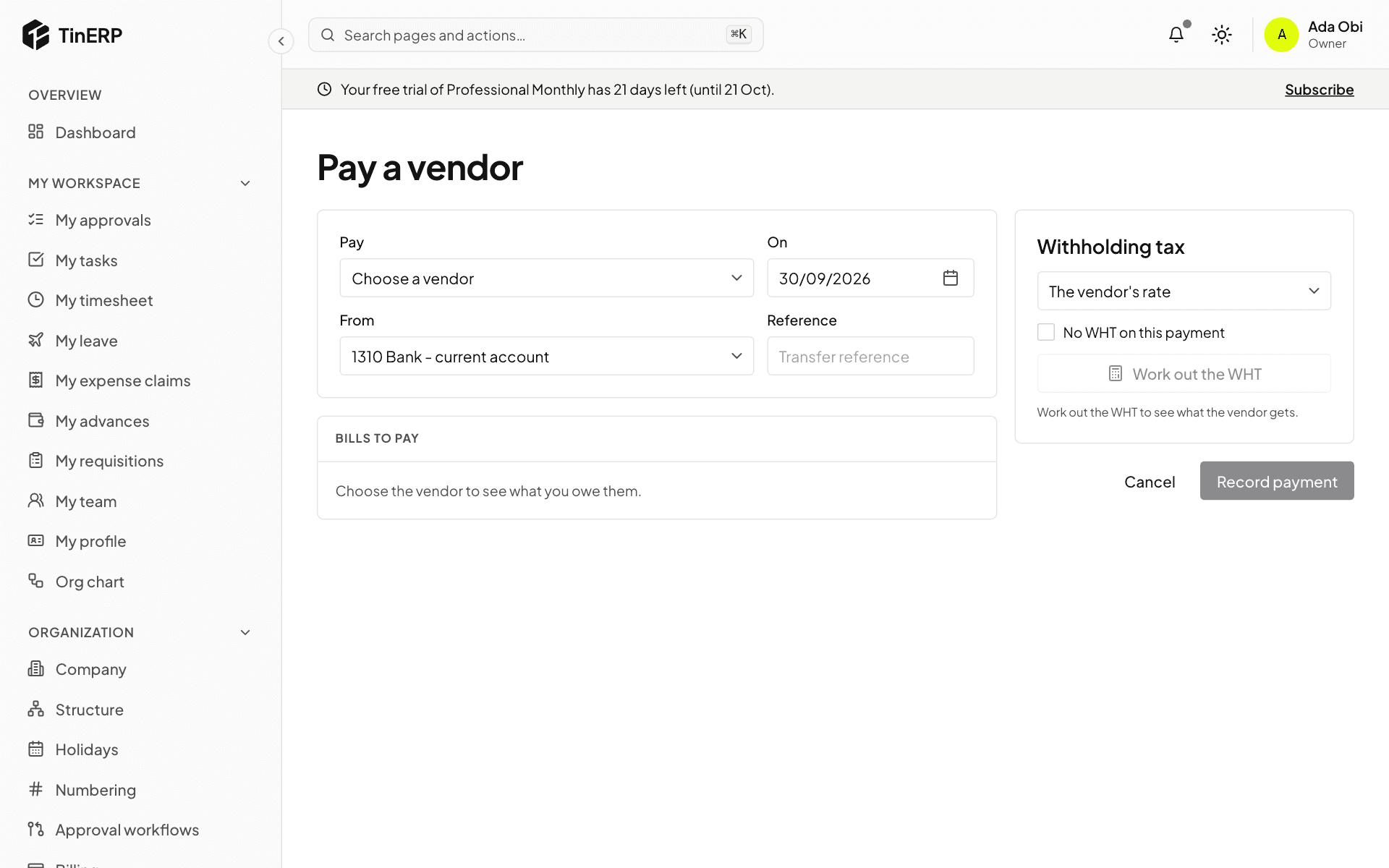
Ifeoma pays the bill in Finance → Payments - or in the next payment run - with WHT worked out. The vendor invoice shows paid, and the cost sits against the programme's budget and grant.