HR · Everyone · about 2 min
The org chart
The org chart is built from each employee's manager, and from positions if your organization uses them. Everyone can see it.
1. Explore it
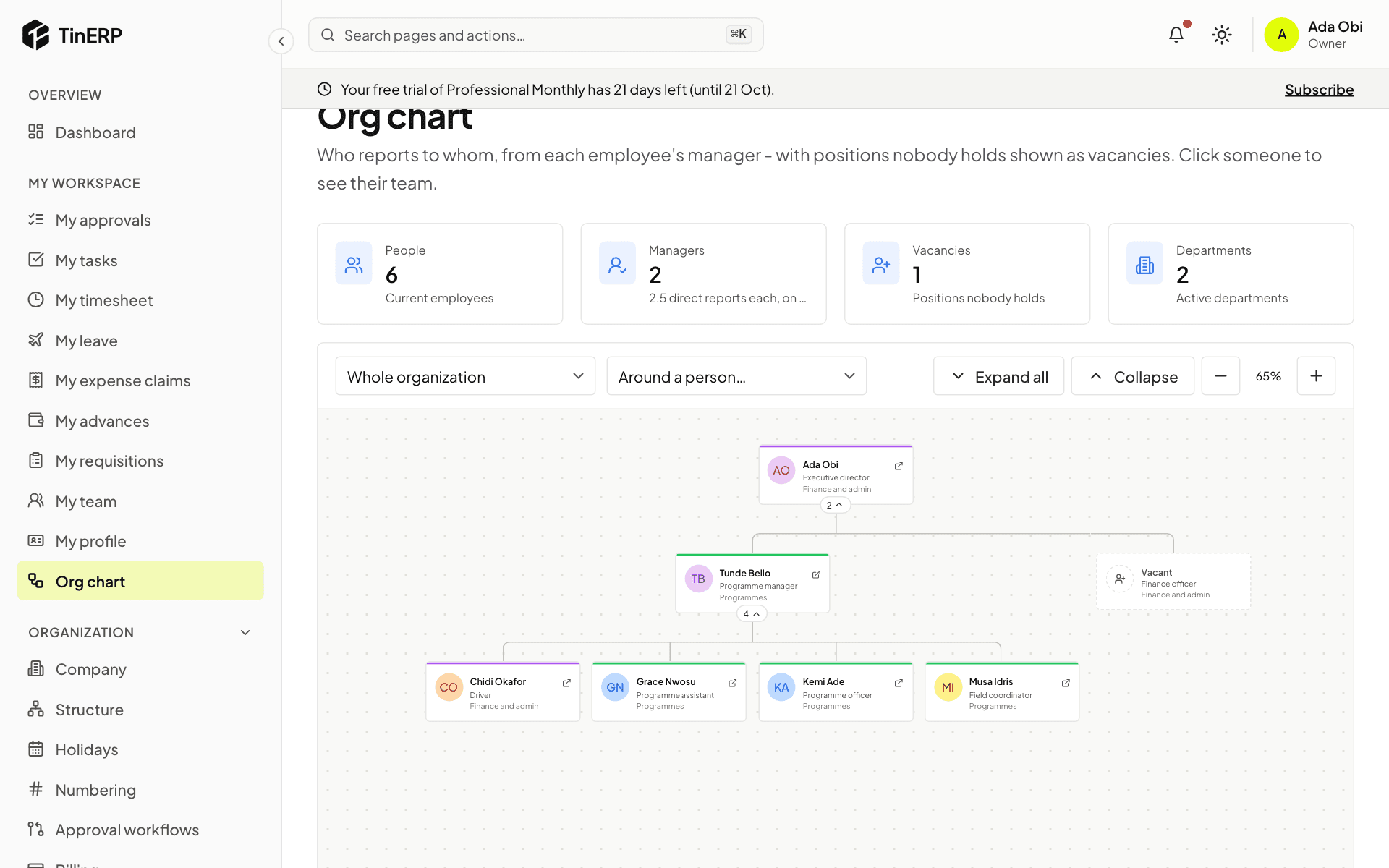
Go to My workspace → Org chart. Each box shows a person's name, job and department; the number under it is how many people report to them - select it to open or close their team. Expand all opens everything; zoom with + and −.
Choose a department at the top, or Around a person for someone's manager and team. Boxes marked Vacant are positions nobody holds.
Questions
Someone is in the wrong place on the chart.
The chart follows the manager on their employee record. HR corrects it with Record a change.