Everyday tasks · Everyone · about 3 min
Sign in and find your way around
Your administrator invites you by email. Open the invitation, choose a password, and you're in.
1. Sign in
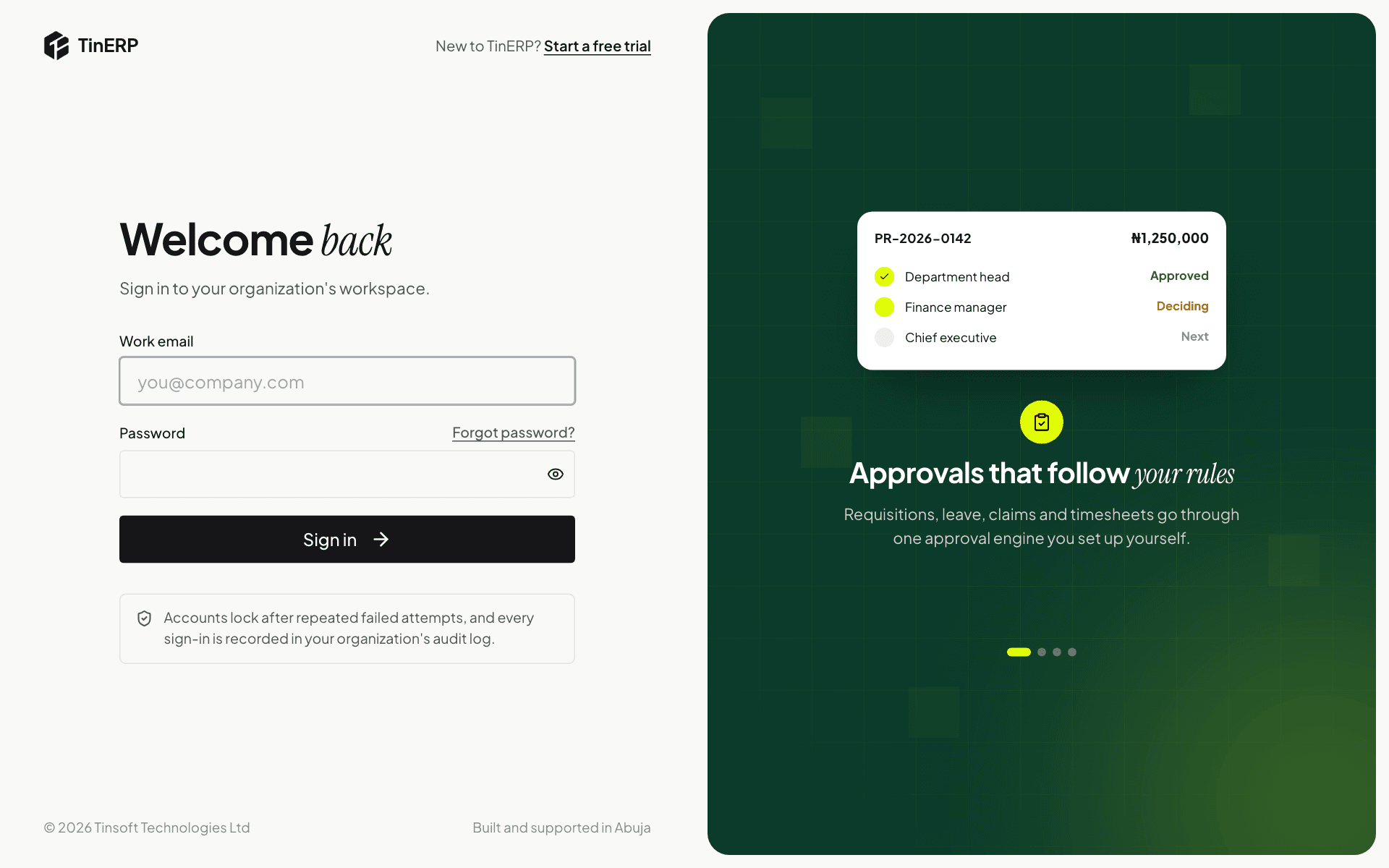
Go to your TinERP sign-in page and enter your email and password. If your organization uses two-factor sign-in, you'll also enter the 6-digit code from your authenticator app.
Forgotten your password? Select Forgot password? next to the password box and we'll email you a link to choose a new one. It works once and expires after 30 minutes.
2. Find anything with search
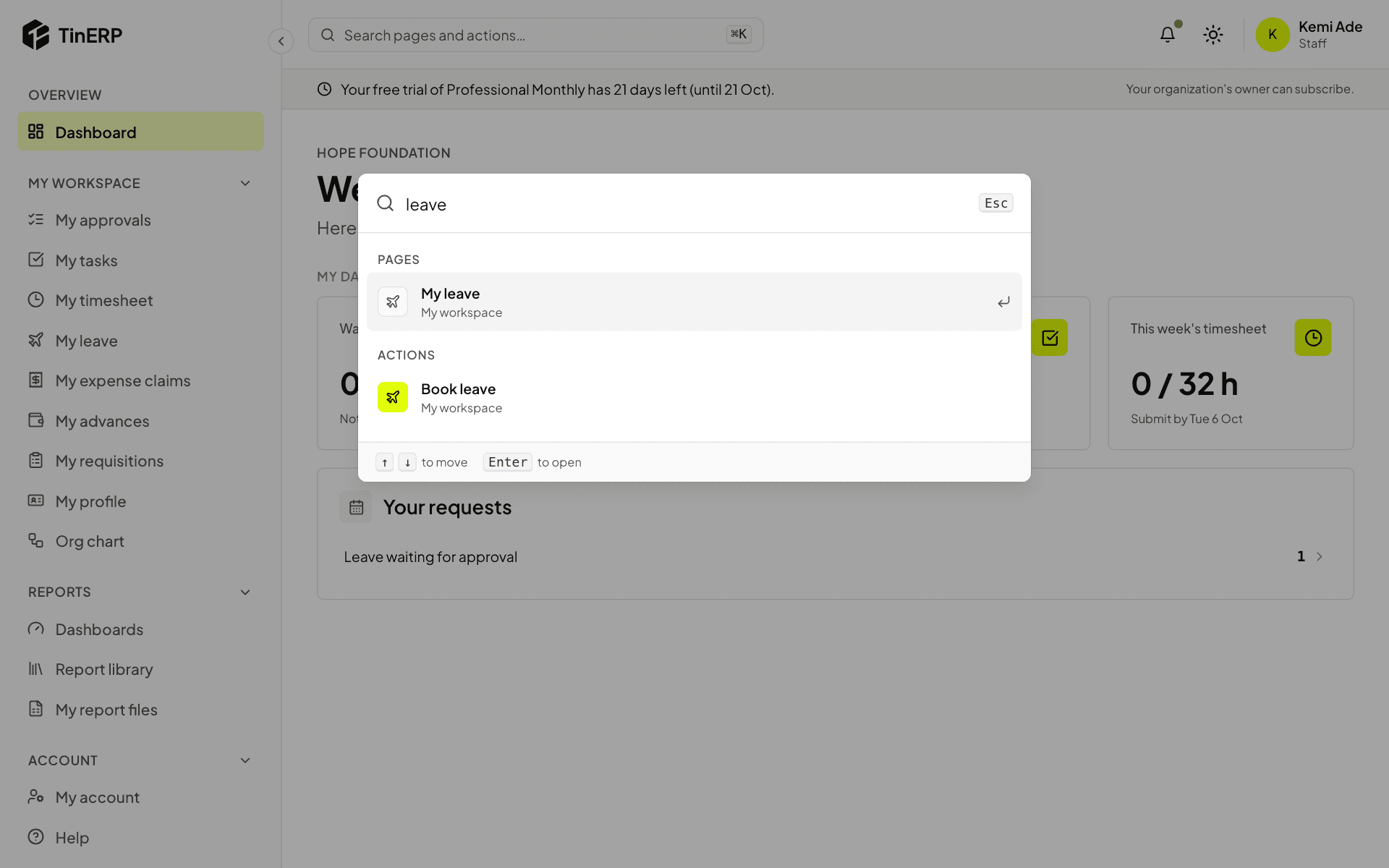
Select the search bar at the top of every page, or press ⌘K (Ctrl+K on Windows). Start typing - for example "leave" - and choose a page or an action with the arrow keys and Enter.
Search only shows what you're allowed to use, and remembers what you opened recently.