Sign in and find your way around
Your administrator invites you by email. Open the invitation, choose a password, and you're in.
- 1
Sign in
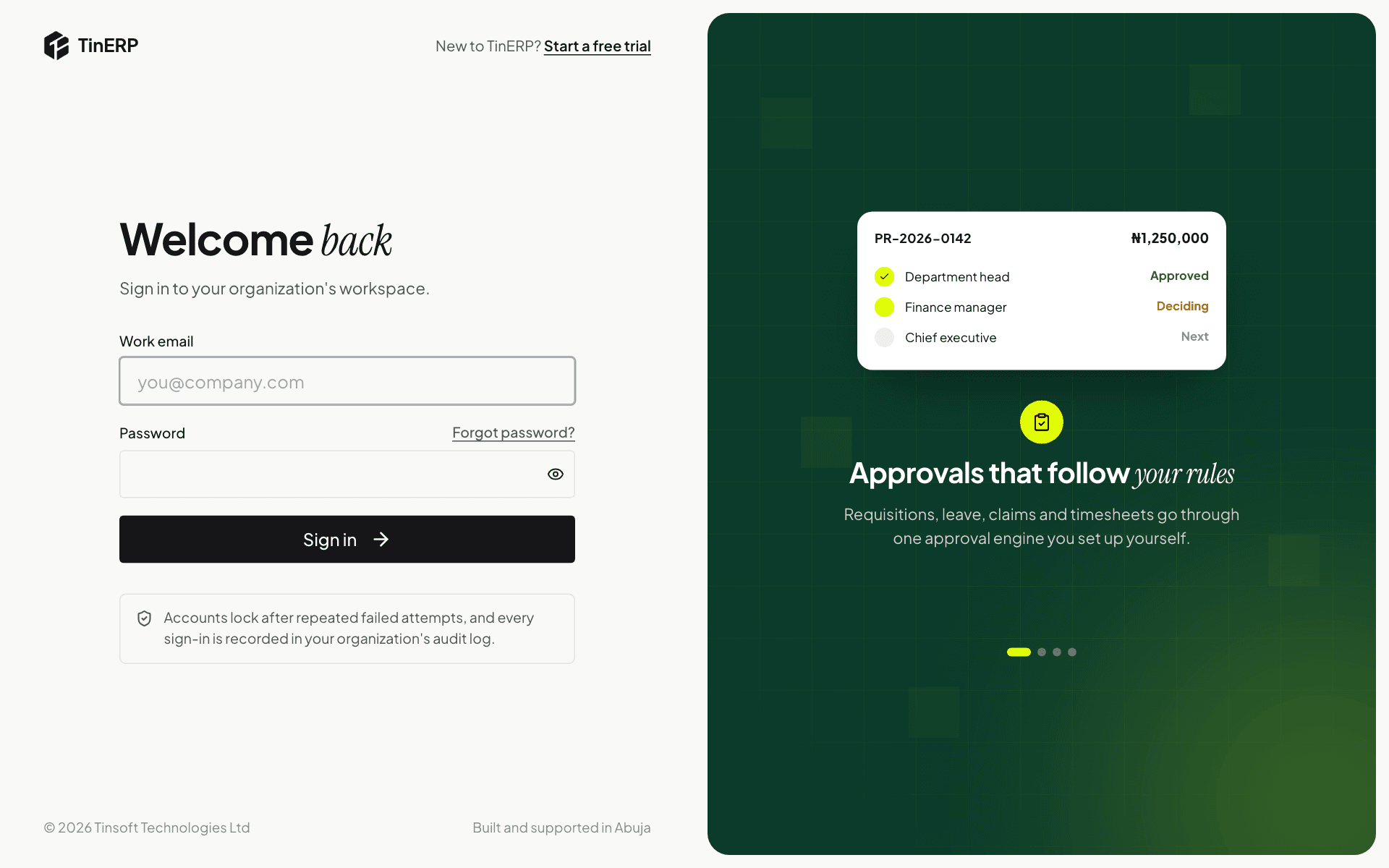
Go to your TinERP sign-in page and enter your email and password. If your organization uses two-factor sign-in, you'll also enter the 6-digit code from your authenticator app.
Forgotten your password? Select Forgot password? next to the password box and we'll email you a link to choose a new one. It works once and expires after 30 minutes.
Full size
The TinERP sign-in page - 2
Find anything with search
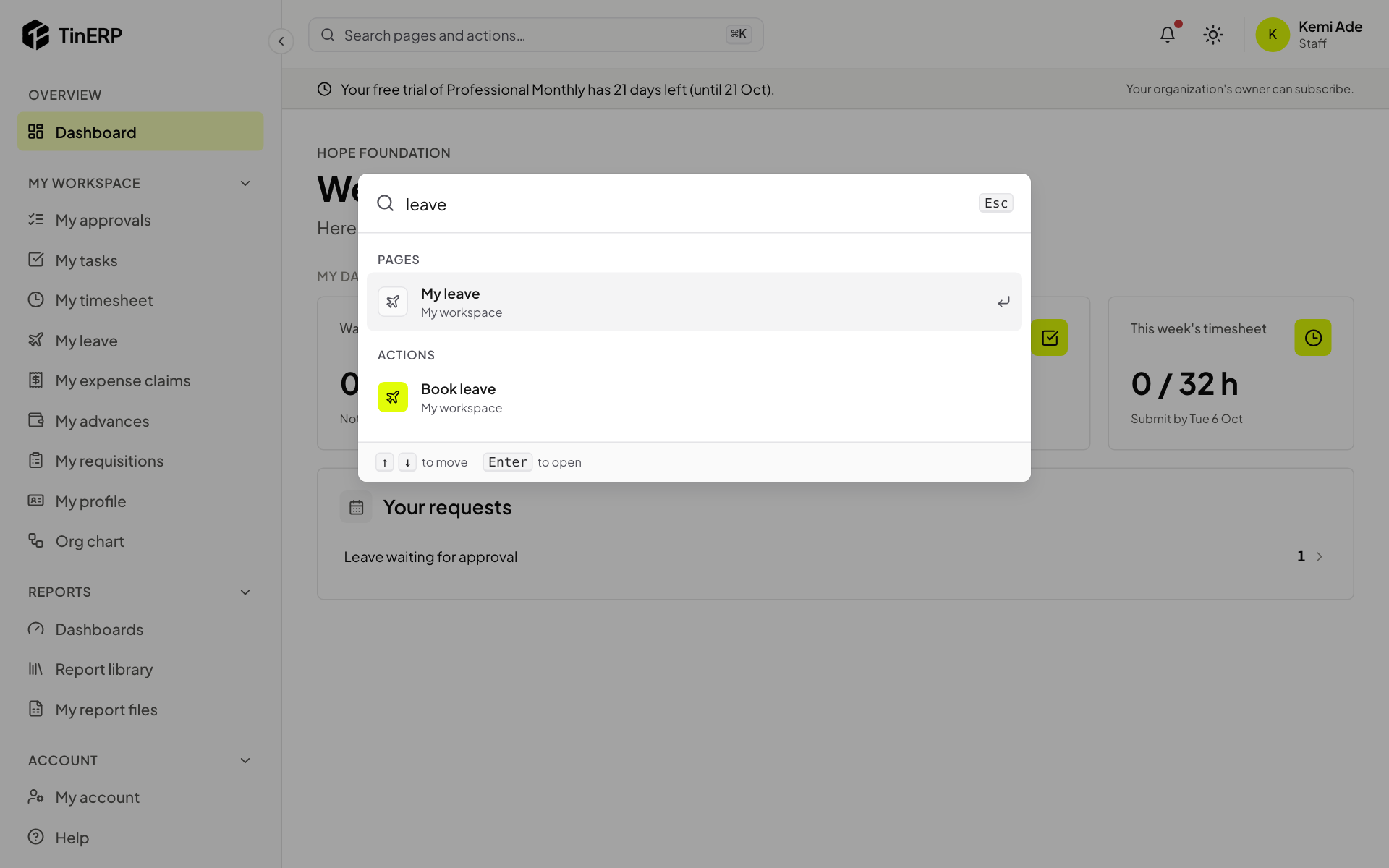
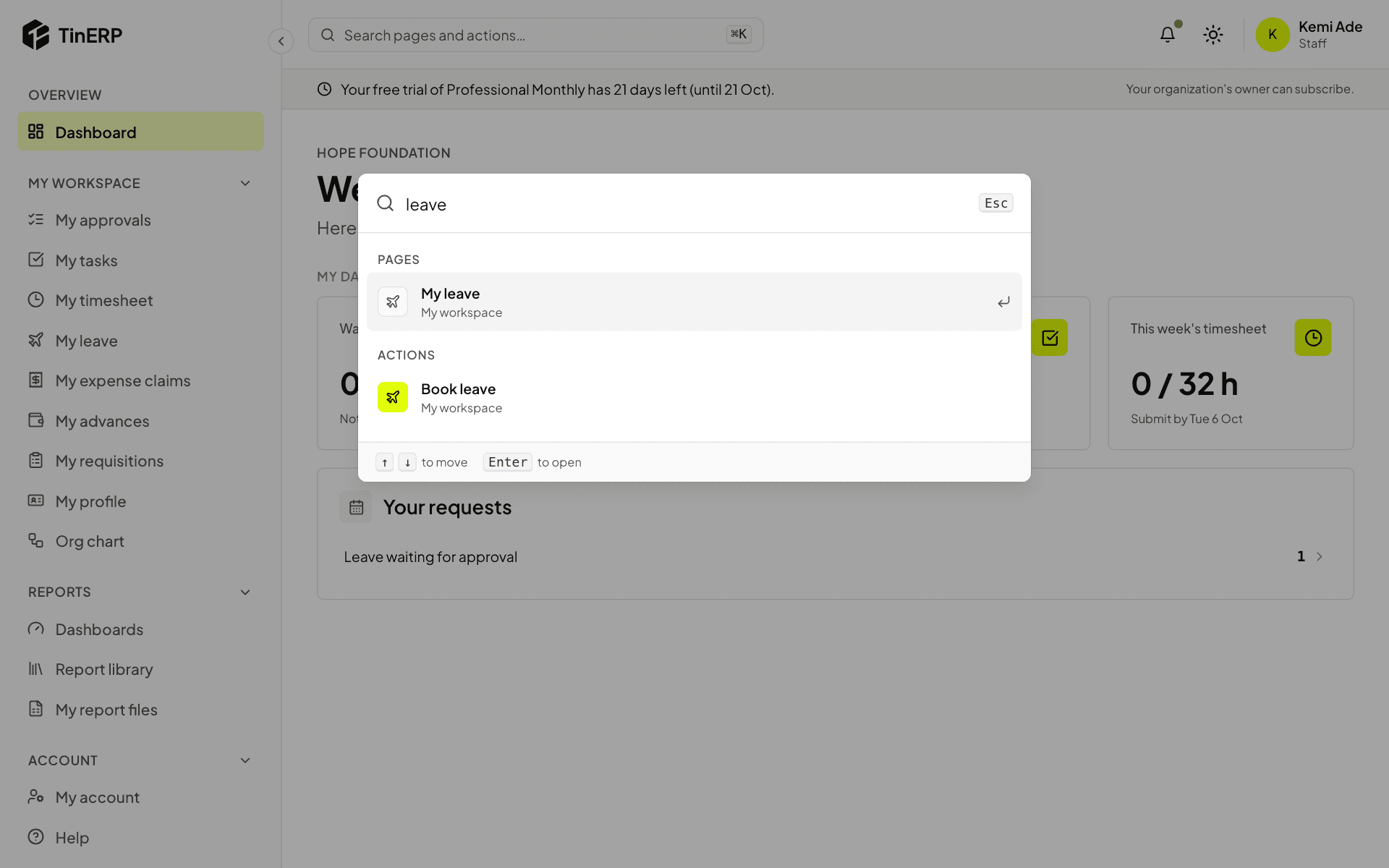
Select the search bar at the top of every page, or press ⌘K (Ctrl+K on Windows). Start typing - for example "leave" - and choose a page or an action with the arrow keys and Enter.
Search only shows what you're allowed to use, and remembers what you opened recently.
Full size
The search window with 'leave' typed, showing My leave and Book leave