Projects · Project managers · about 4 min
Start a project
Select New project on the Projects page.
1. Fill in the project
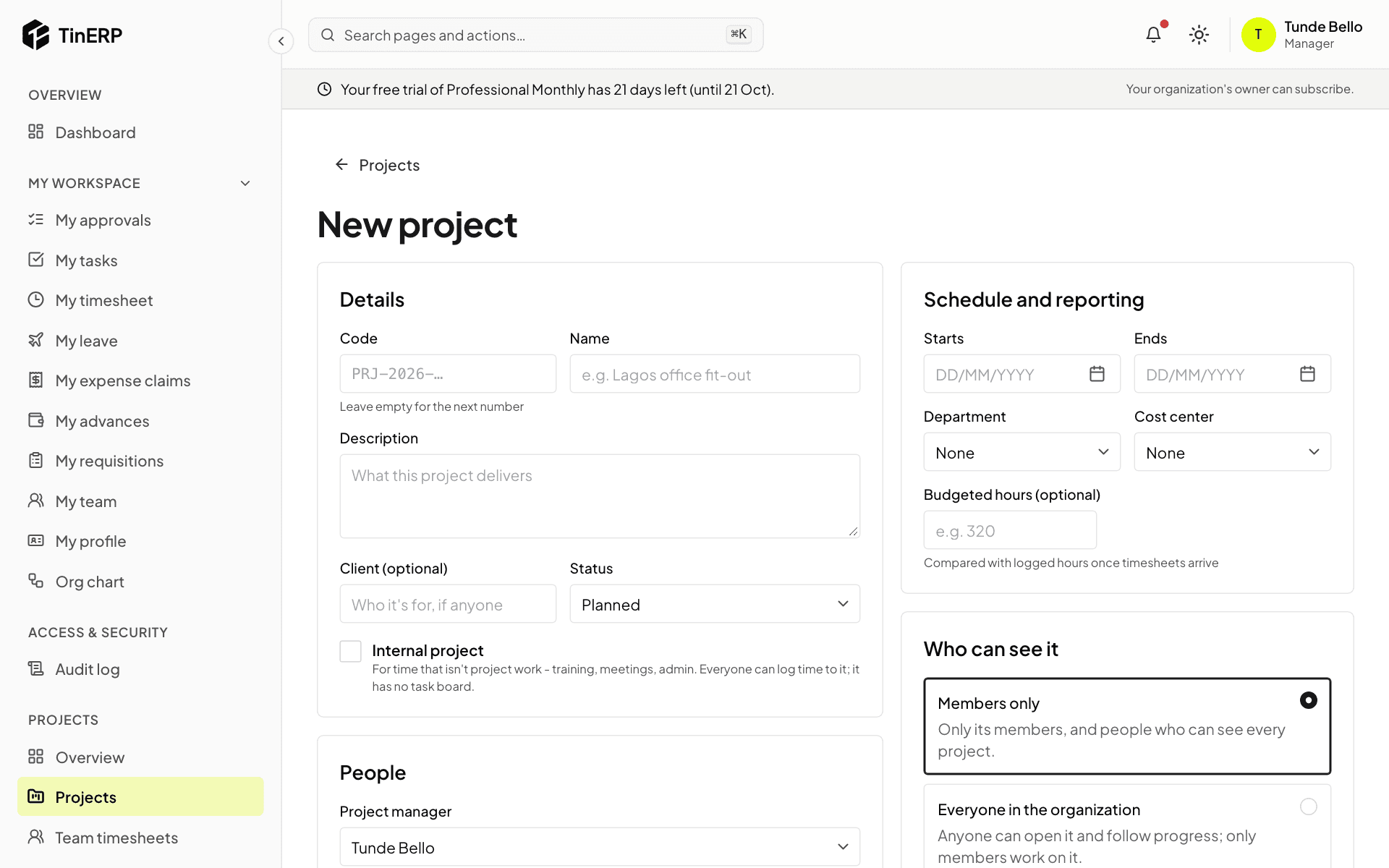
Details: leave Code empty for the next number (such as PRJ-2026-003) or type your own; add a name, a description, the client if there is one, and the status - Planned or Active.
Schedule and reporting: the dates, department, cost center and Budgeted hours, which logged hours are compared with. People: the project manager and members. Who can see it: Members only, or Everyone in the organization - everyone can follow it, only members work on it.
2. Manage members
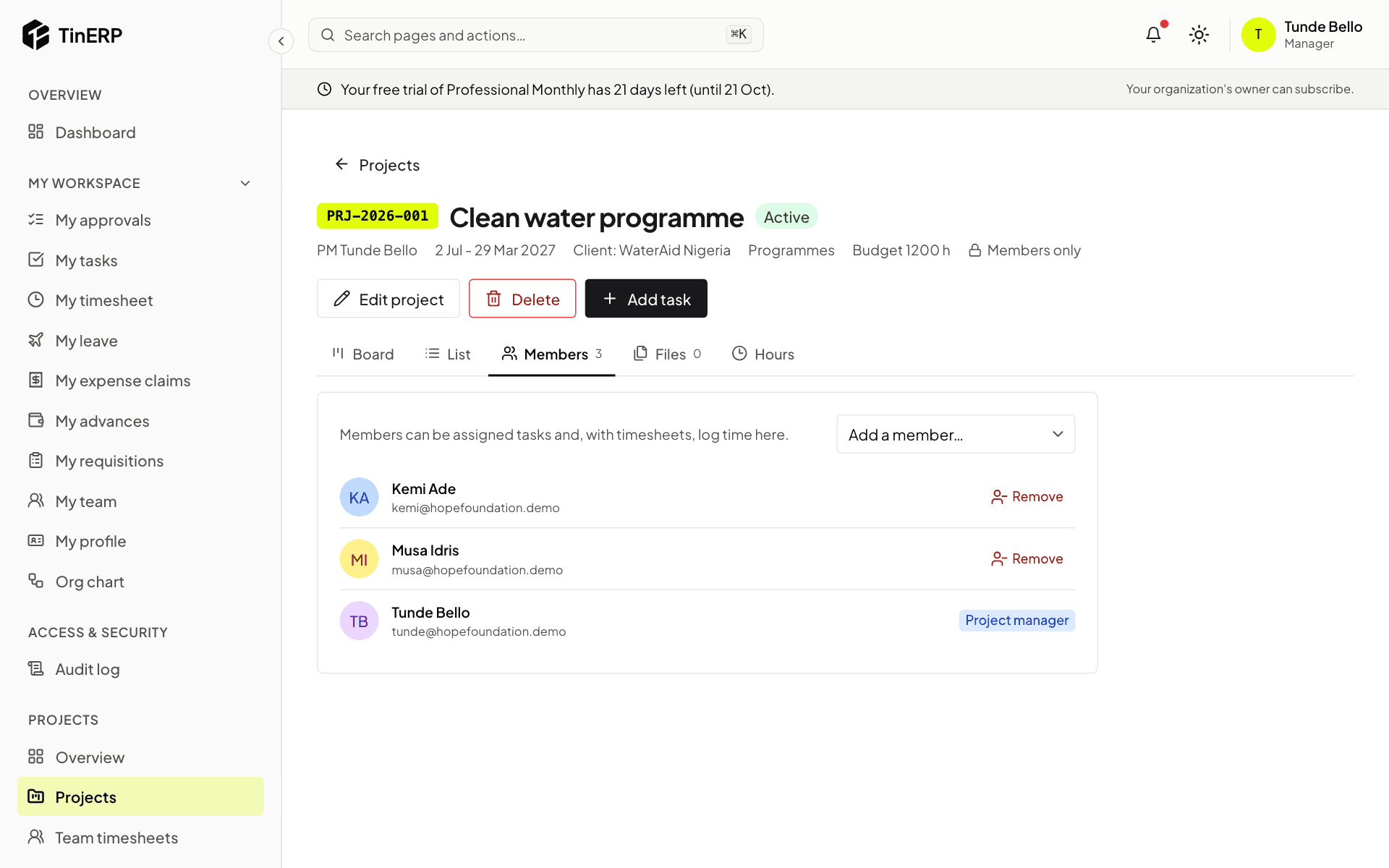
On the project, Members lists who can be given tasks and log time. Add a member, or remove one - their open tasks on the project are unassigned. The project manager can't be removed. People are told when they're added.
3. Change or close it
Edit project changes its details and status - Active, On hold, Completed or Cancelled. Completed and cancelled projects take no new tasks or time.
Delete removes a project for good - only while no time has been logged on it. After that, complete or cancel it instead, so the hours stay on record.