How HR works
HR keeps your organization's employees - their jobs, reporting lines, records and leave. The rest of TinERP relies on it: leave and timesheets go to the right manager, and managers see their own team.
- 1
Employees and logins are different
An employee is someone you employ; a user is someone who signs in. Most people are both, linked together. A driver or cleaner can be an employee with no login - HR books their leave for them. An outside accountant can have a login and no employee record.
The link matters: it's how approvals find a person's manager, and how managers see their team.
Full size
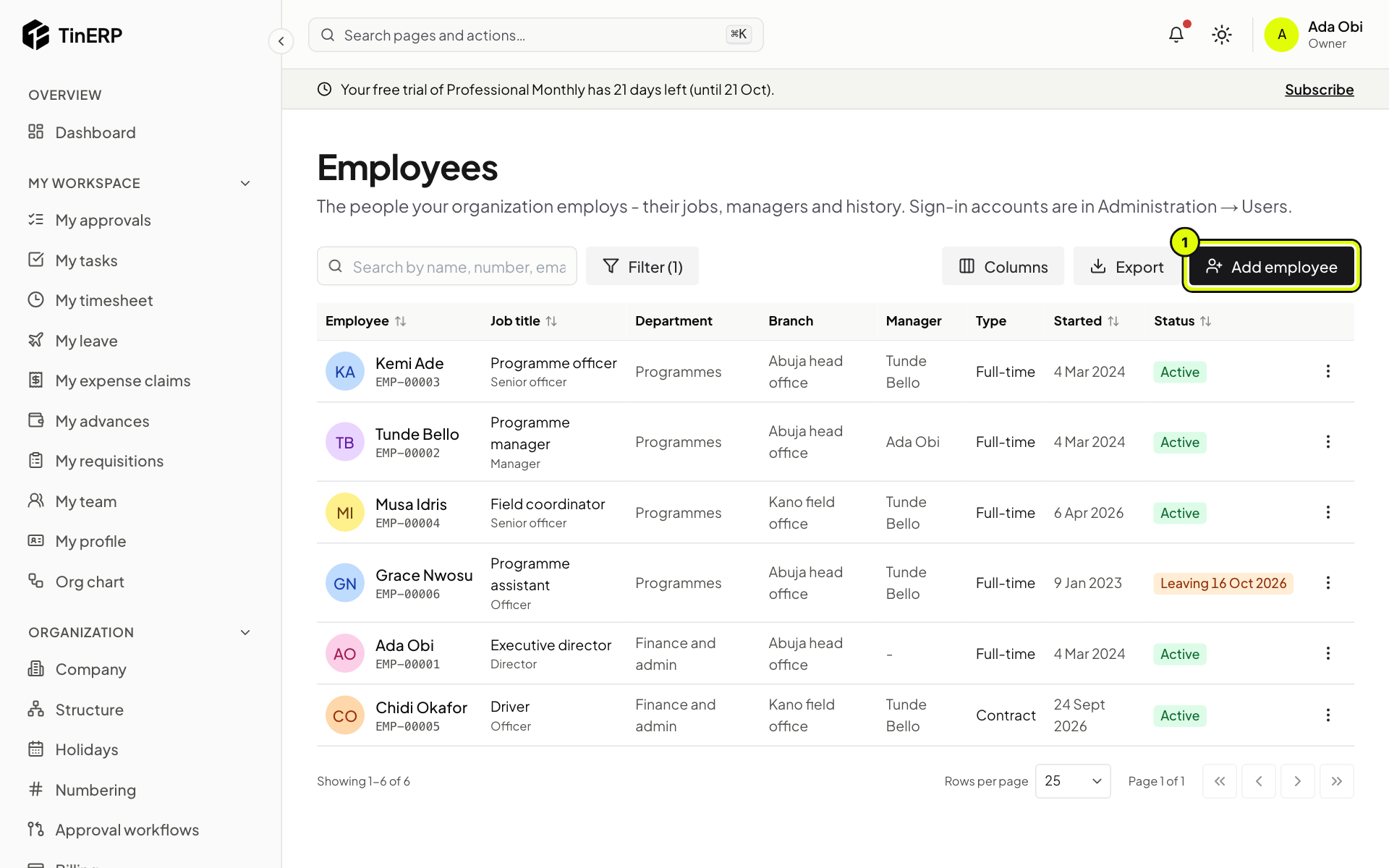
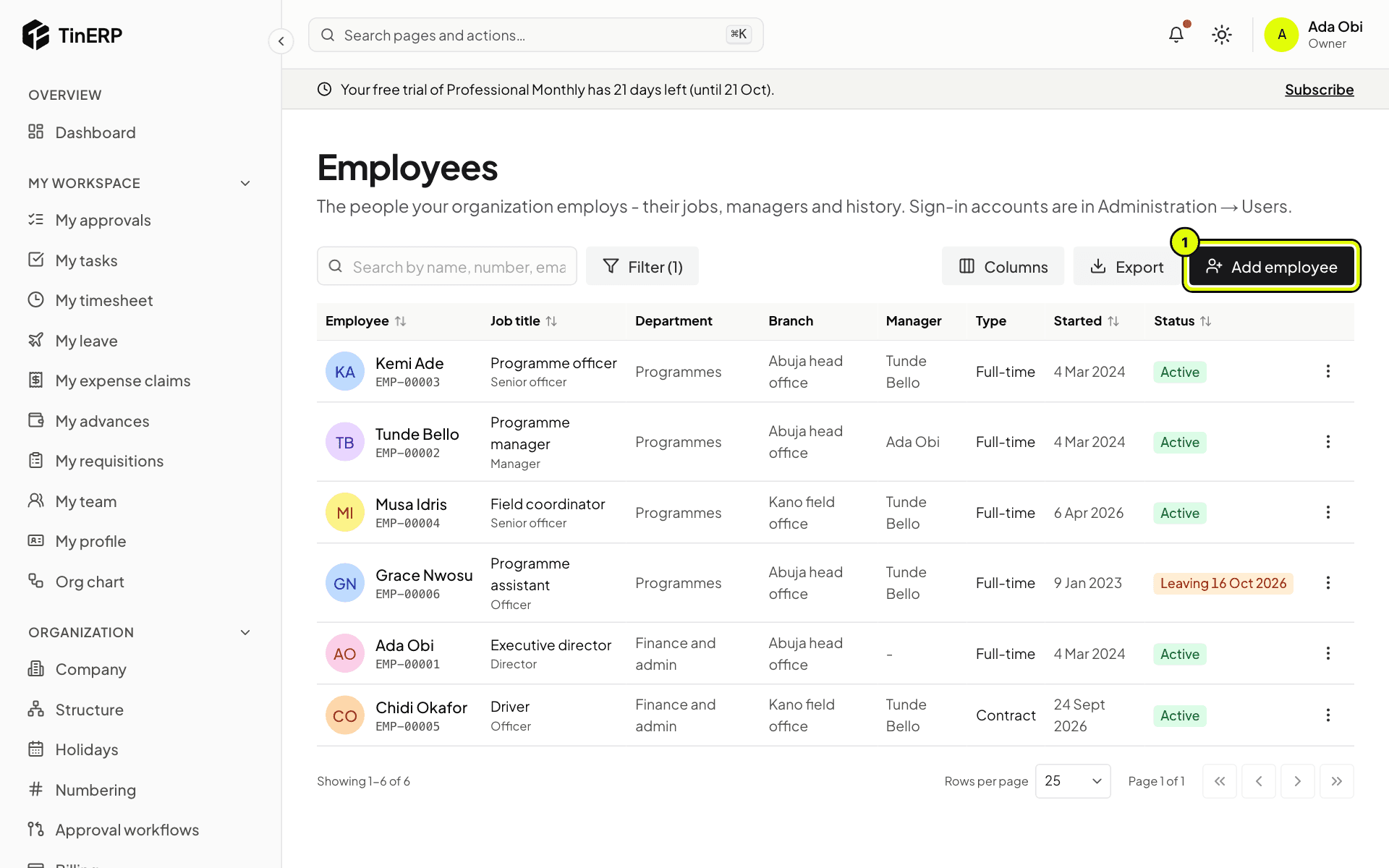
HR → Employees: everyone's job title, department, branch, manager, type, start date and status - 2
Who sees what
Everyone sees their own record in My profile, their leave in My leave, and the Org chart. Managers see their team in My team and HR reports for their people.
HR - anyone whose role manages employees, leave or HR settings, or sees every employee - gets the HR menu: Employees, Leave, Joiners & leavers, HR reports and HR settings.
- 3
Give your HR team a role
The Admin role has every HR permission but one: seeing sensitive details (date of birth, home address, ID numbers, next of kin, bank details and documents). Add an HR officer role with the HR permissions - including sensitive details - and give it to your HR team. See Roles and permissions.
- 4
Set up in this order
1. Grades, positions and checklists. 2. Leave types and policies. 3. Add your employees, with their managers. 4. Give logins to those who'll sign in. The guides that follow take each in turn.