
Pay expense claims and advances
Employees claim and request in My workspace; their manager approves. Finance then pays, reviews what was spent against advances, and settles the difference. (How employees claim is in Claim expenses and request advances.)
- 1
Pay an approved claim
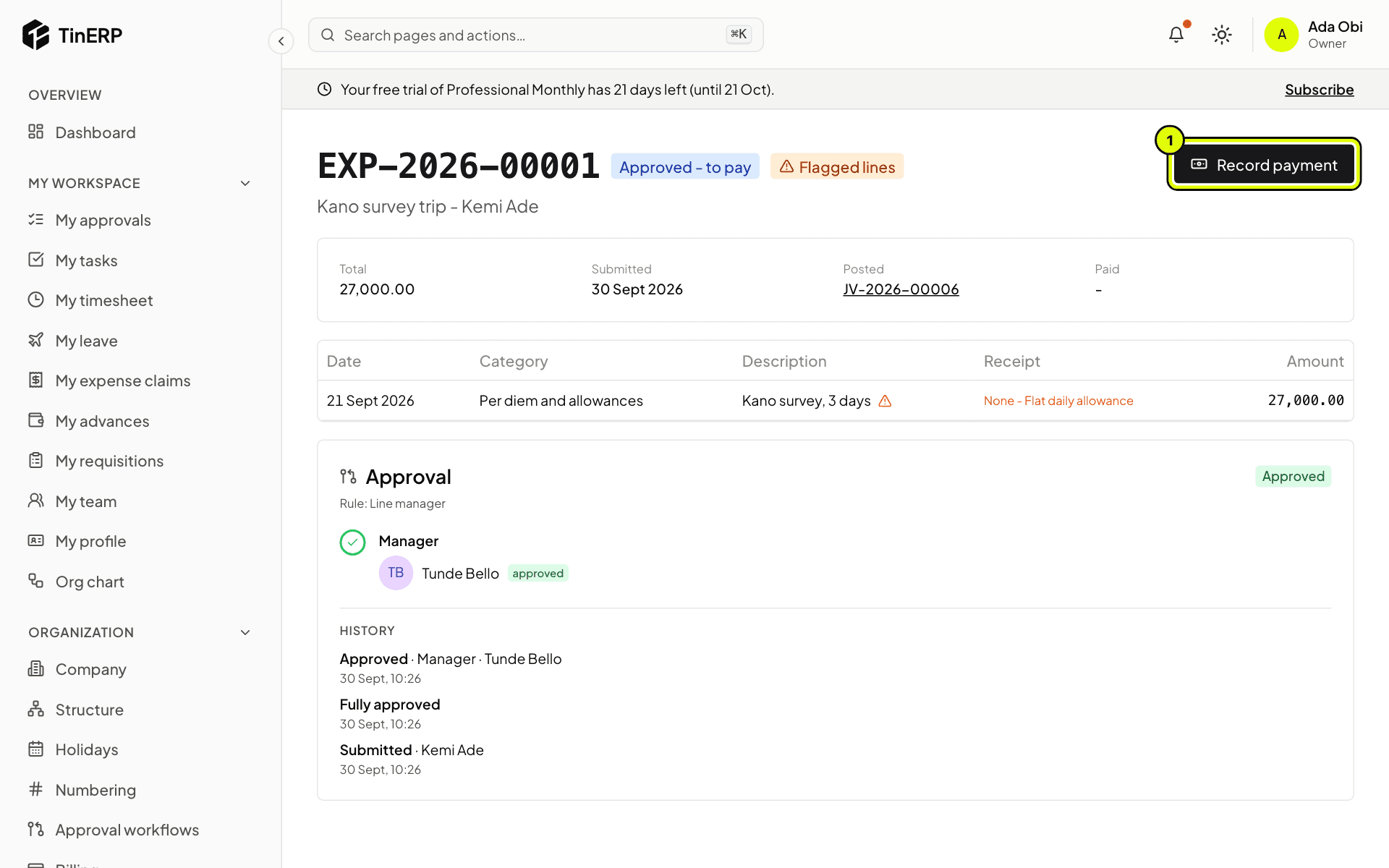
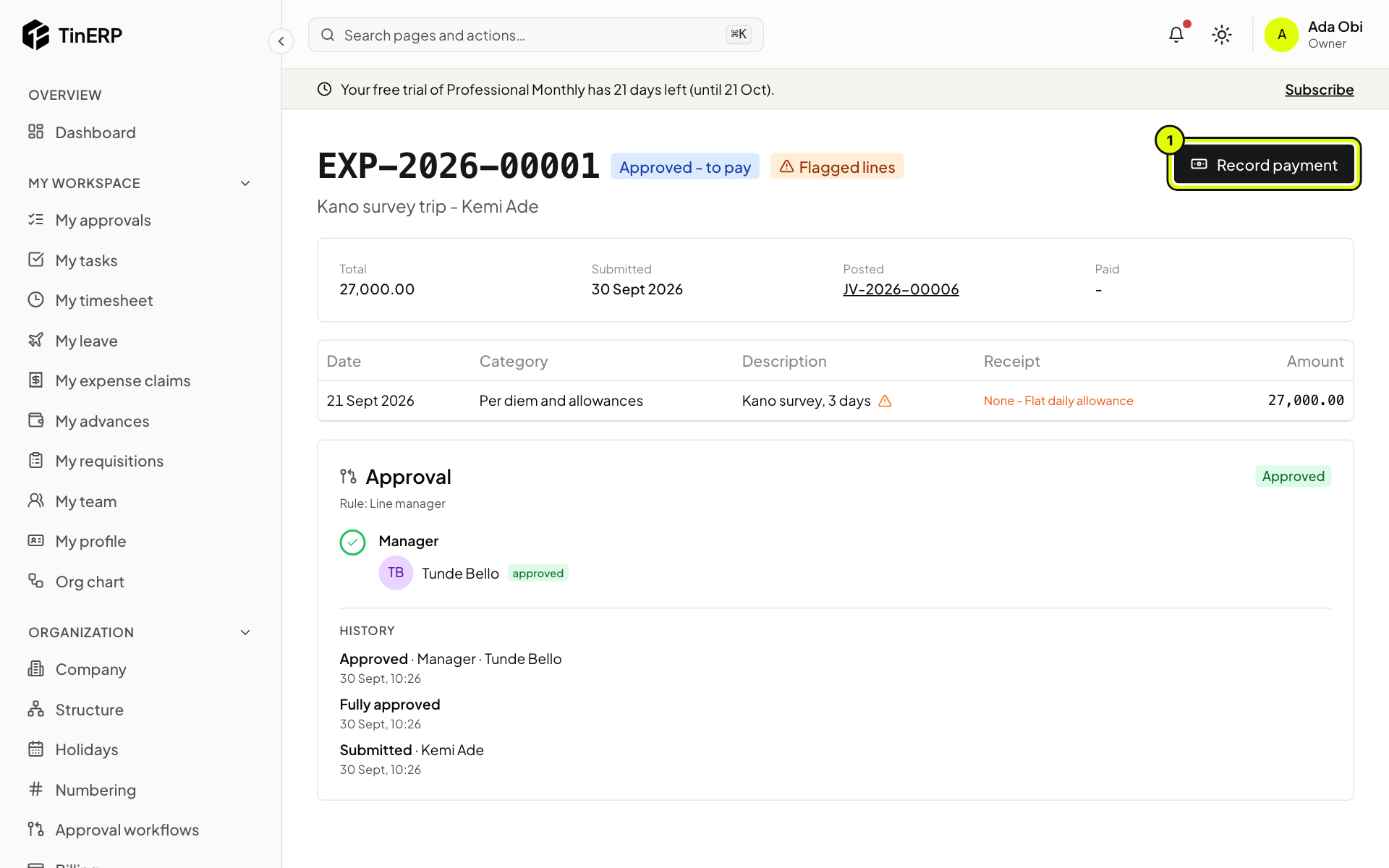
Go to Finance → Expense claims and filter Approved - to pay. Open a claim, check the lines and receipts - flagged lines have no receipt, with the reason - then select Record payment (1): the date, the bank or cash account and the transfer reference. The claimant is told.
Full size
Kemi's claim, approved and waiting to be paid, with Record payment marked 1 - 2
Pay an advance
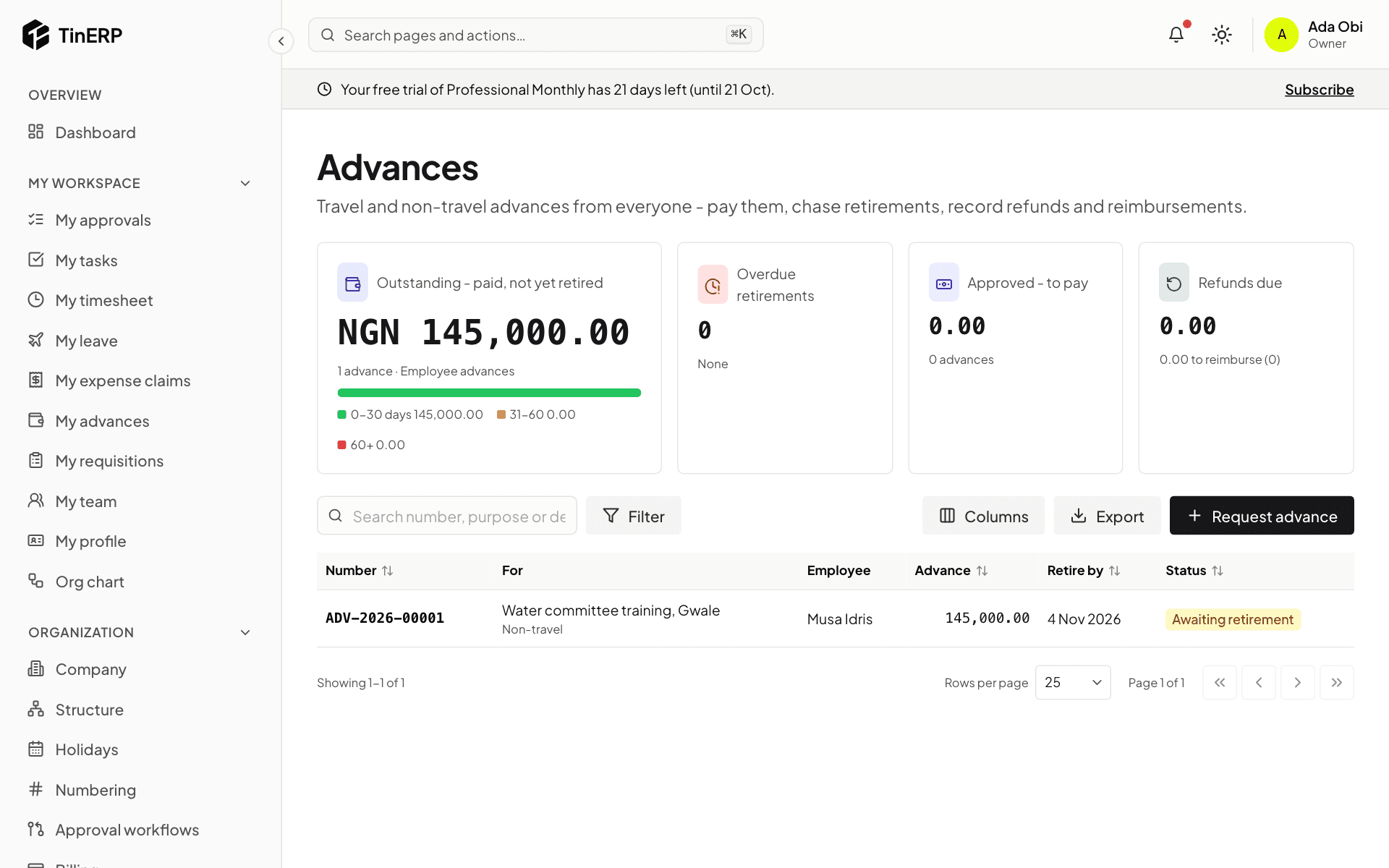
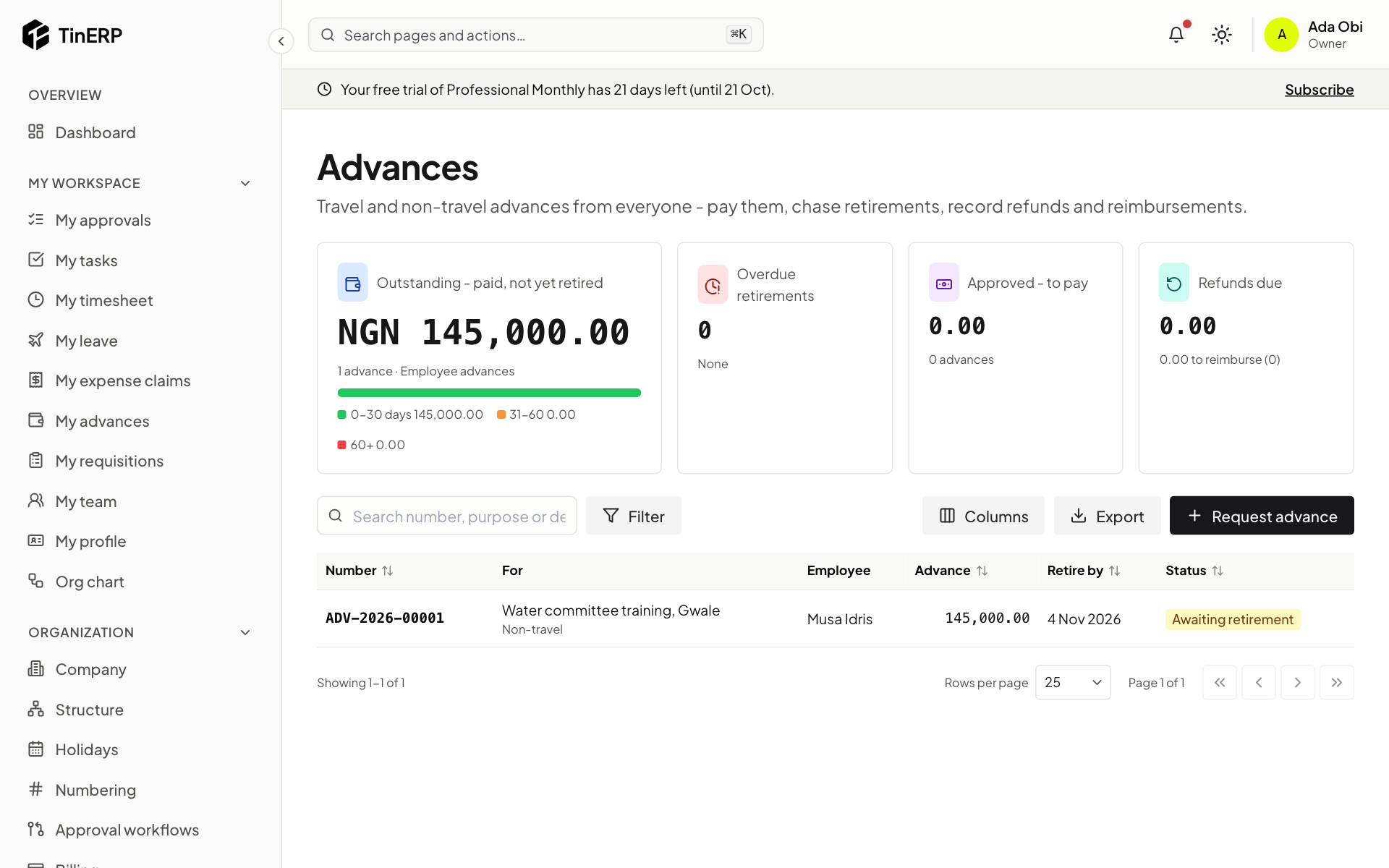
Finance → Advances shows what's outstanding by age, what's overdue, what's approved to pay and what's to settle. Open an approved advance and select Record payment. The employee is told when they must retire it by.
Full size
Finance → Advances: outstanding by age, and the list of advances - 3
Review the retirement
When they're back, the employee retires the advance: actual dates, what each line cost with receipts, proof of travel, and anything extra. For each line you can accept it, Reduce it, Reject it, or - if the trip ran longer - Refuse the extra days, each with a reason they see. Save decisions, then approve in the approval panel. Whoever paid the advance doesn't approve its retirement.
- 4
Settle the difference
If they spent less, select Record refund received when the money comes back. If they spent more, select Pay reimbursement. The advance then closes.
Tip: TinERP reminds people before a retirement is due, tells them and their manager when it's overdue, and tells finance a week later. An overdue retirement stops them getting another advance.
Questions
Where are the per diem rates and advance rules?
In Finance → Finance settings → Advances and per diems: rates by destination (and grade), what the per diem covers, how travel days count, how much is paid upfront, the limits, and the documents rules - a supporting document above an amount, proof of travel on retirement. Add an Other destinations rate for places without their own.