Close a month and the year
Closing a month stops anything more being posted into it, so the figures you've reported stay put. See Month-end for everything to do first.
- 1
Close and lock months
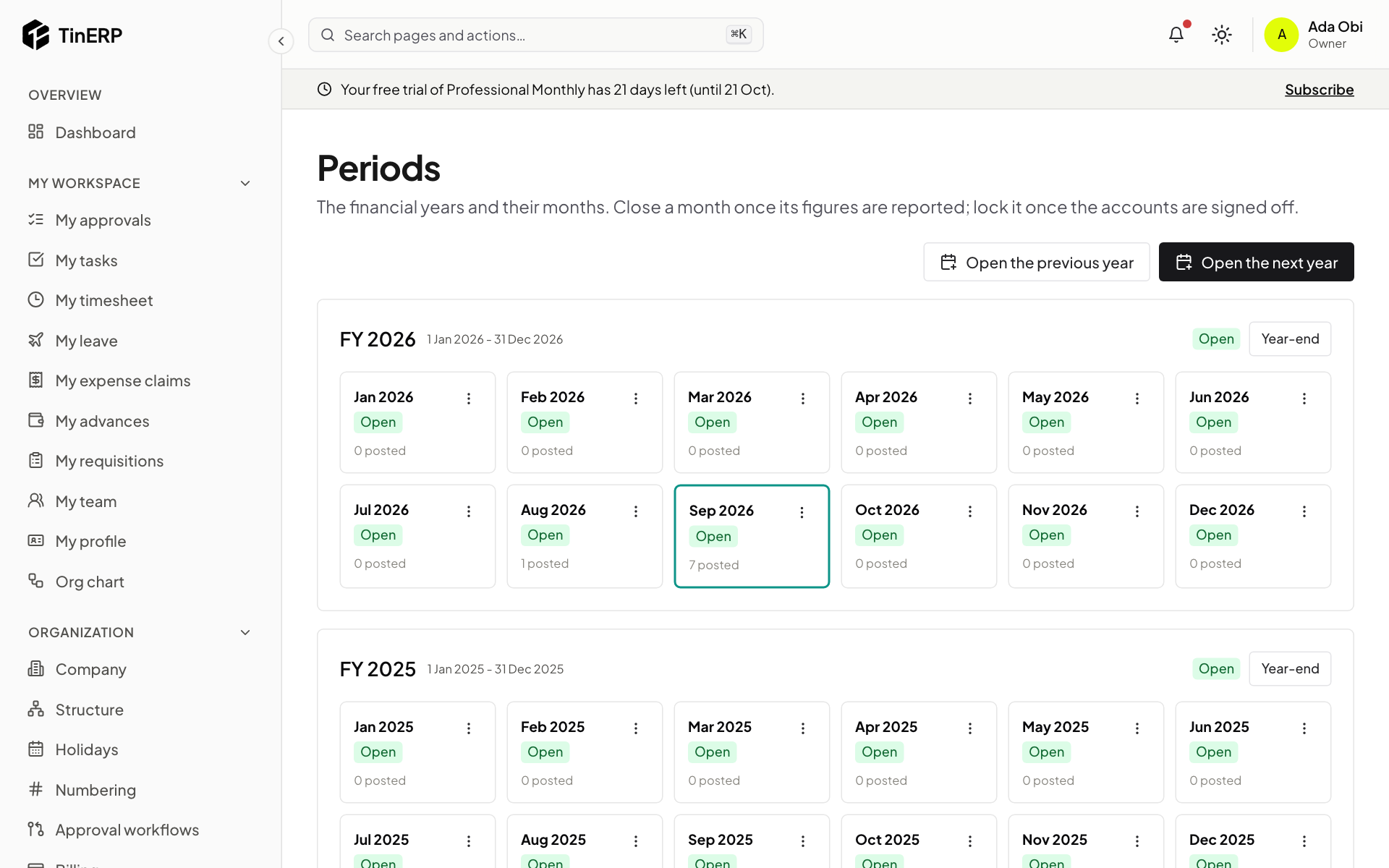
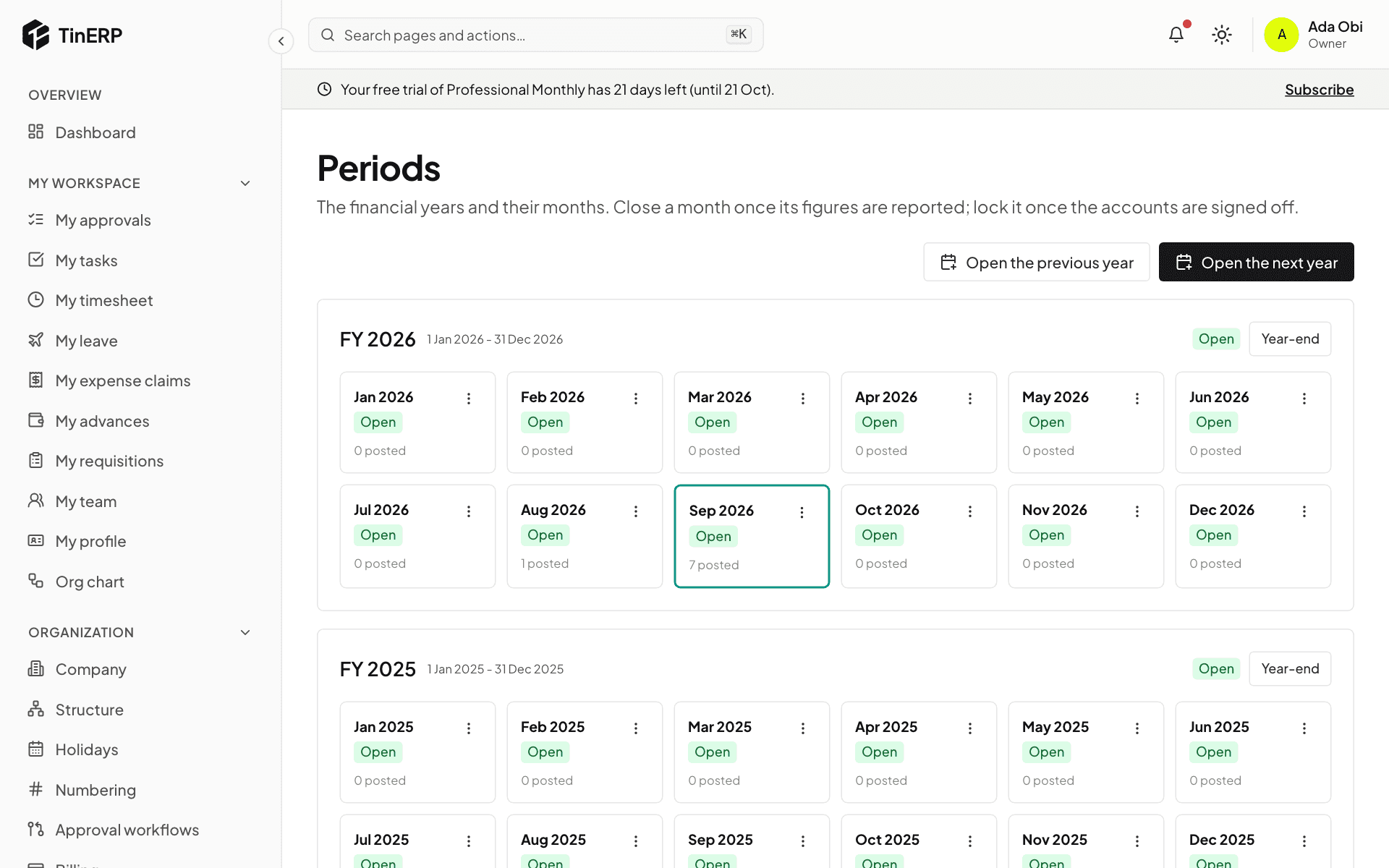
Go to Finance → Periods. Each month shows its status and how many journals are posted in it. Use a month's menu to Close it once its figures are reported - not while journals in it wait for approval, or a control account disagrees with its detail.
Reopen needs its own permission and a reason; it changes nothing already posted, it only lets a correction in. Lock a closed month once the accounts are signed off - locked is final.
Full size
Periods: FY 2026's twelve months, with September current - 2
Close the year
Select Year-end on the year. You see each income and expense account's balance, the result - for NGOs, each fund's - and anything that stops the close (an earlier year still open, journals waiting, a locked last month).
Give a reason and Close: one closing journal on the year's last day brings income and expenses to zero and puts the result into retained earnings, or each fund's balance. Then the year and its months are closed. It can be reopened (with the permission and a reason) for an audit adjustment, and locked once signed off.