How Projects works
Projects keeps things simple: each project has members and a task board, and people log their time against projects on a timesheet their manager approves.
- 1
Who does what
Everyone works from My tasks and My timesheet. Managers and Admins can start projects and have the Projects menu: Overview, Projects, Team timesheets and Reports.
Whoever manages a project runs it - its details, members and tasks. Admins see every project and choose how timesheets work.
- 2
Your projects
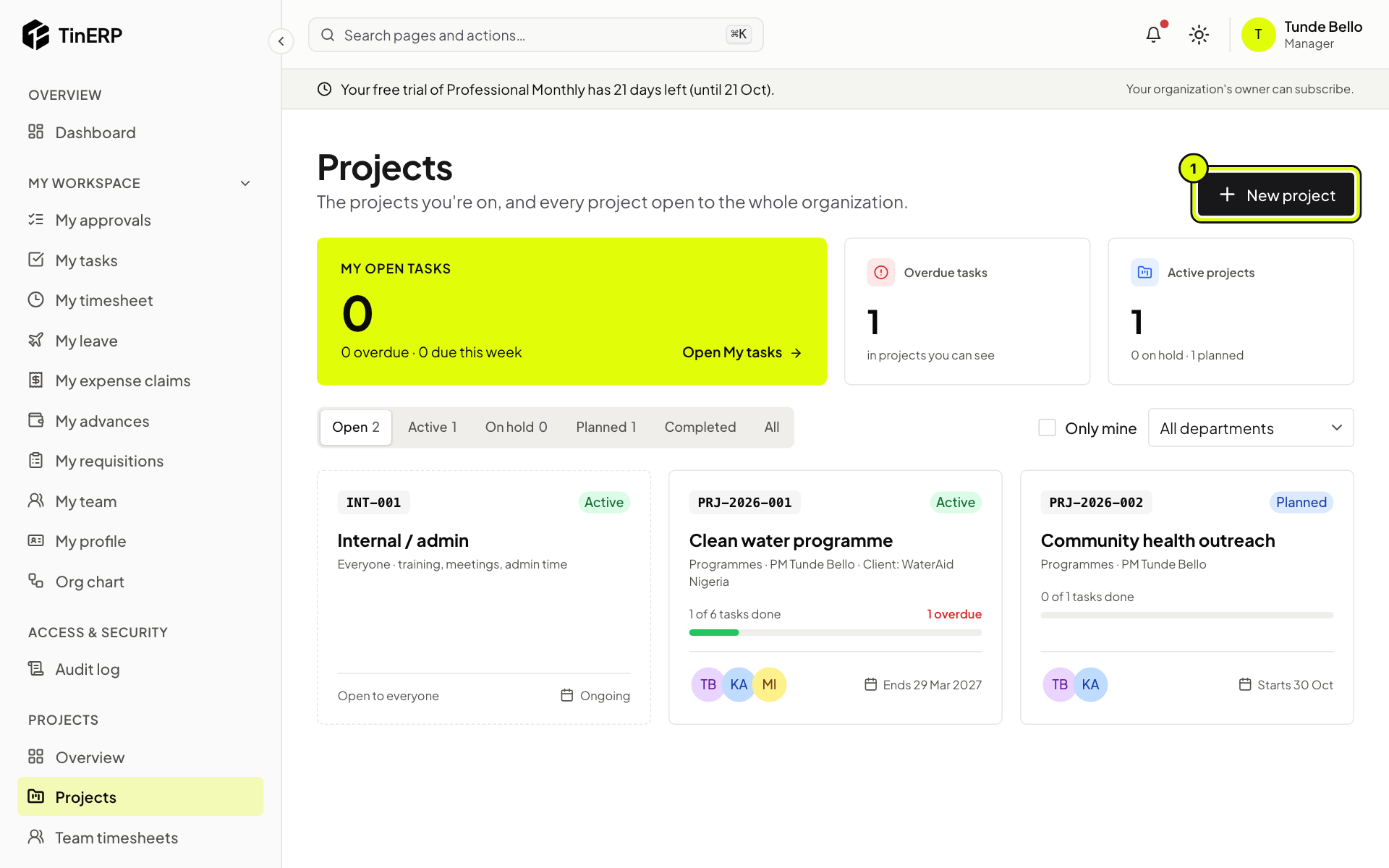
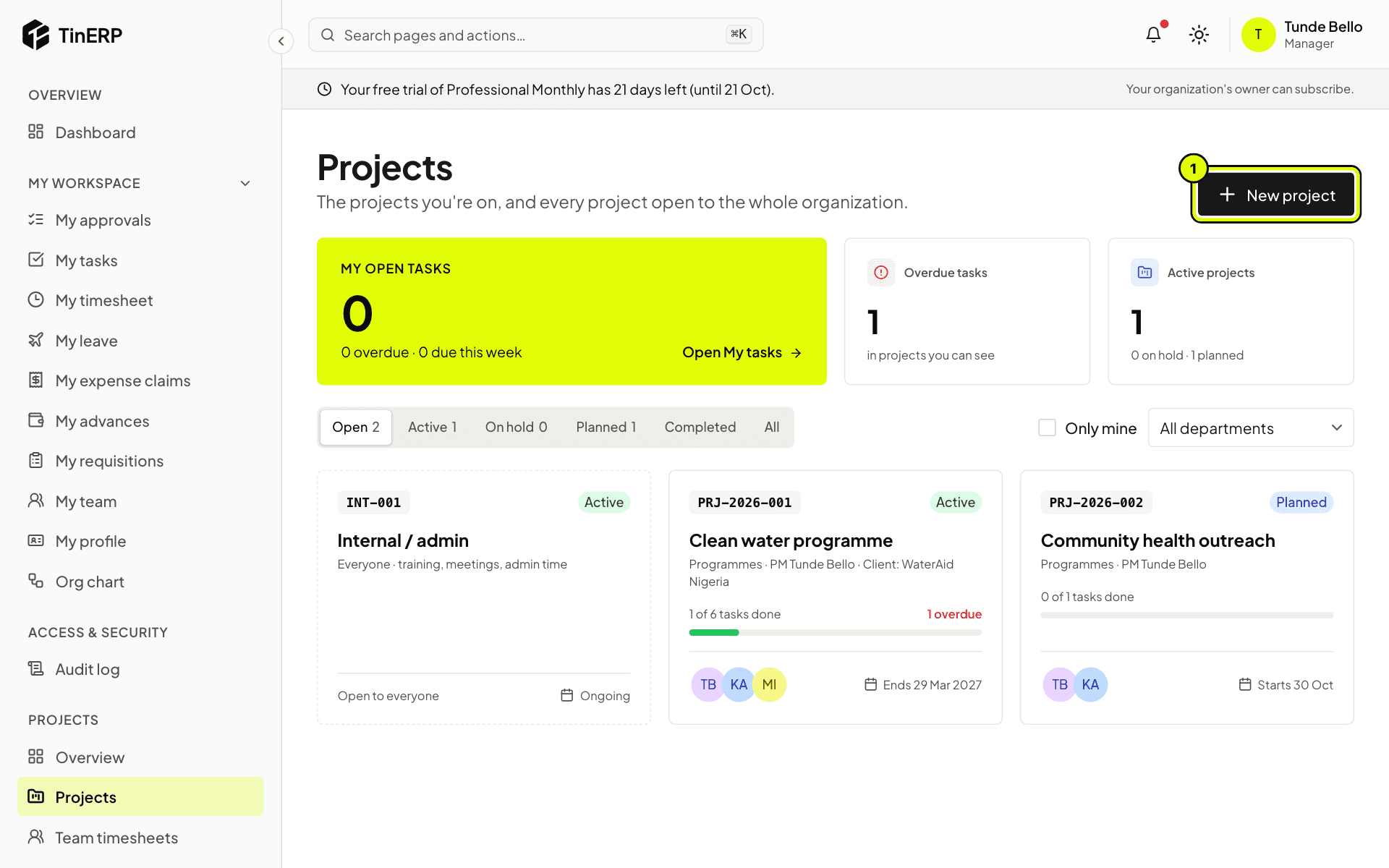
Go to Projects → Projects. Each card shows the project's code, status, tasks done, members and dates. Filter by status, tick Only mine, or choose a department. Your own open and overdue tasks are at the top.
Full size
The Projects page with three projects and New project marked 1 - 3
Time that isn't project work
For training, meetings and admin, create an internal project (like INT-001 Internal / admin). Everyone can log time to it, and it has no task board.