Prepayments and deferred income
Insurance paid for a year, rent paid for six months, a software licence - or income received before it's earned. A schedule releases it month by month, by itself.
- 1
Create a schedule
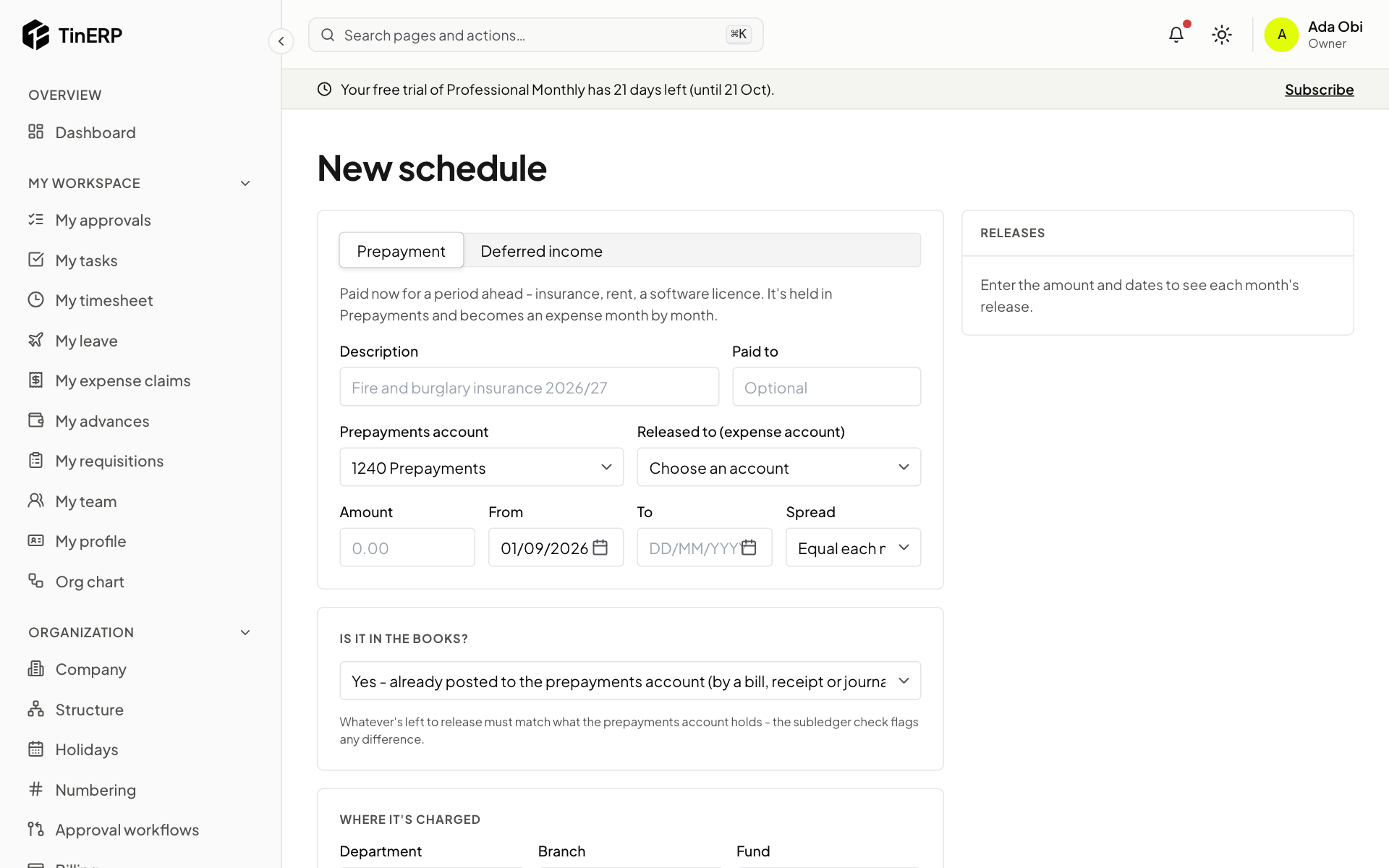
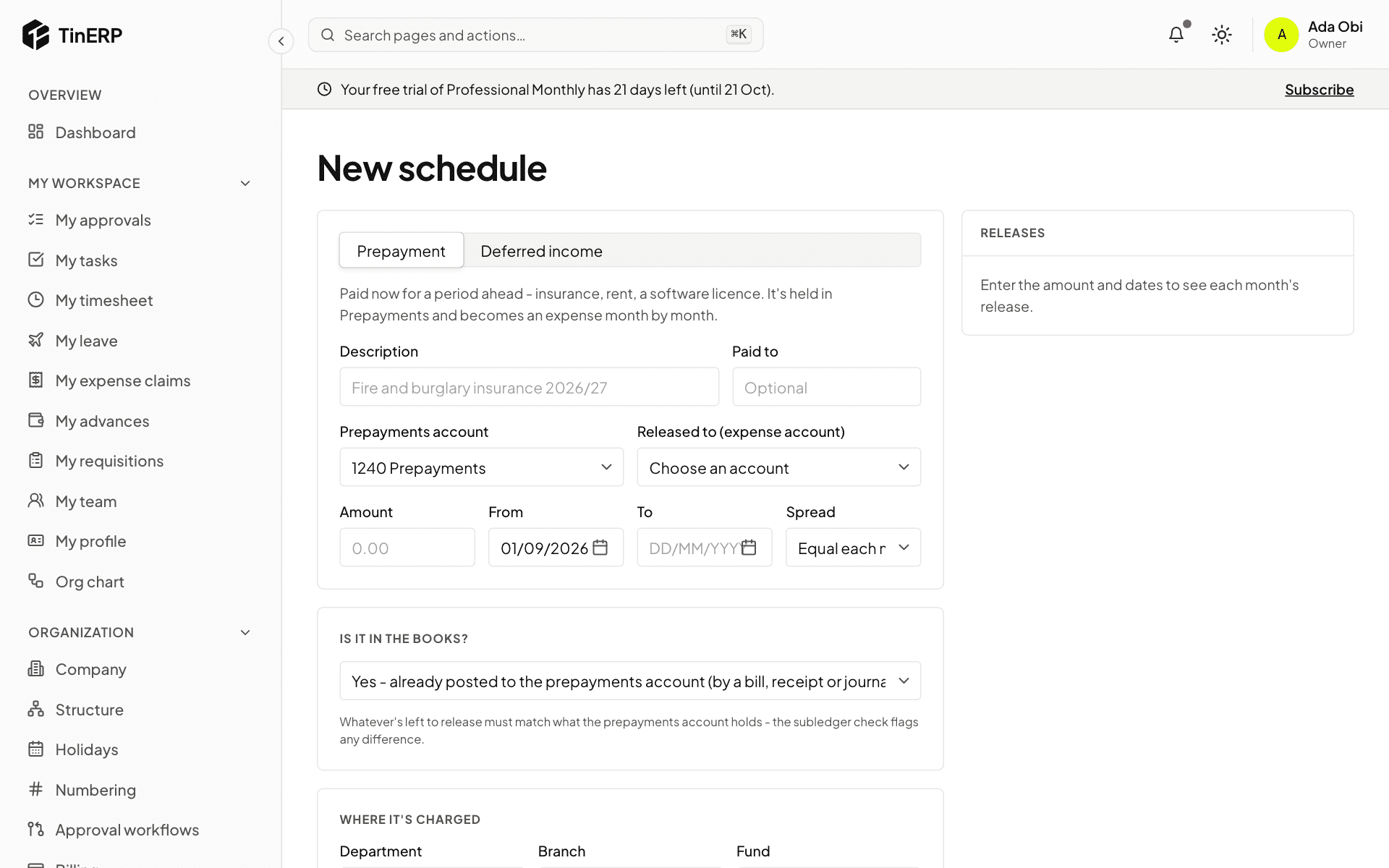
Go to Finance → Prepayments and deferrals and start a new schedule. Choose Prepayment or Deferred income, describe it, and choose the account it's held in and the account it's released to. Enter the amount, the dates, and how it's spread - equally each month, or by days.
Is it in the books? Usually yes - a bill or payment already put it in Prepayments. If not, the schedule can post it now. The releases are shown before you save.
Full size
A new prepayment schedule: description, accounts, amount, dates and spread - 2
Let it run
Each month's release posts by itself on the month's last day. If one can't (the month is closed, say), the schedule shows why and it's tried again. To stop a schedule early, cancel it with a date and reason: what's left is cleared in one entry.