Customers, invoices and receipts
Sales invoices are what you bill - for services, donor-funded work, rent or goods. Receipts are the money coming in against them.
- 1
Add the customer
Go to Finance → Customers and add them: name, type, TIN, whether they're VAT registered and whether they deduct WHT from what they pay you, contacts, payment terms, a credit limit if you want one, and the income account their invoices default to.
- 2
Write the invoice
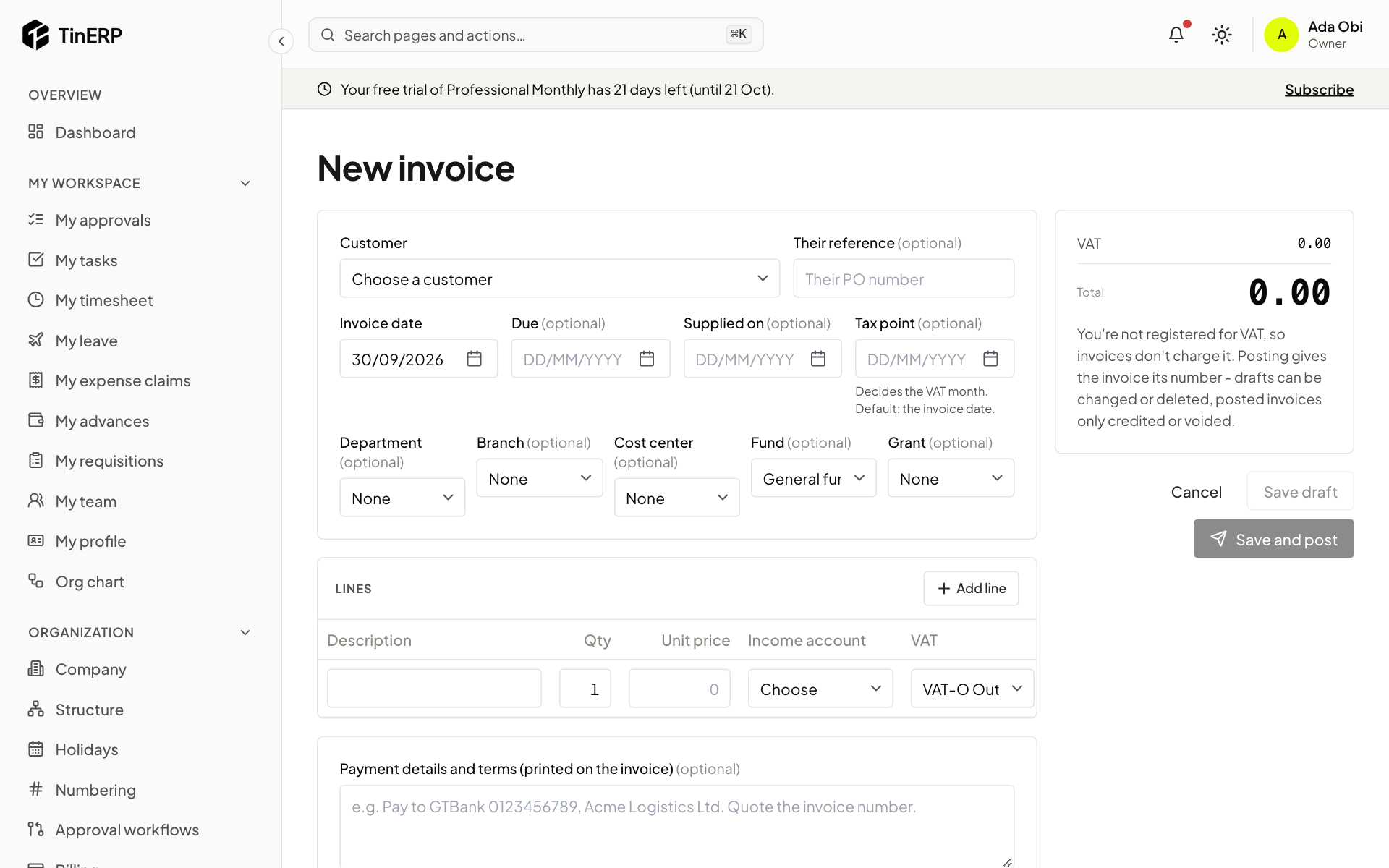
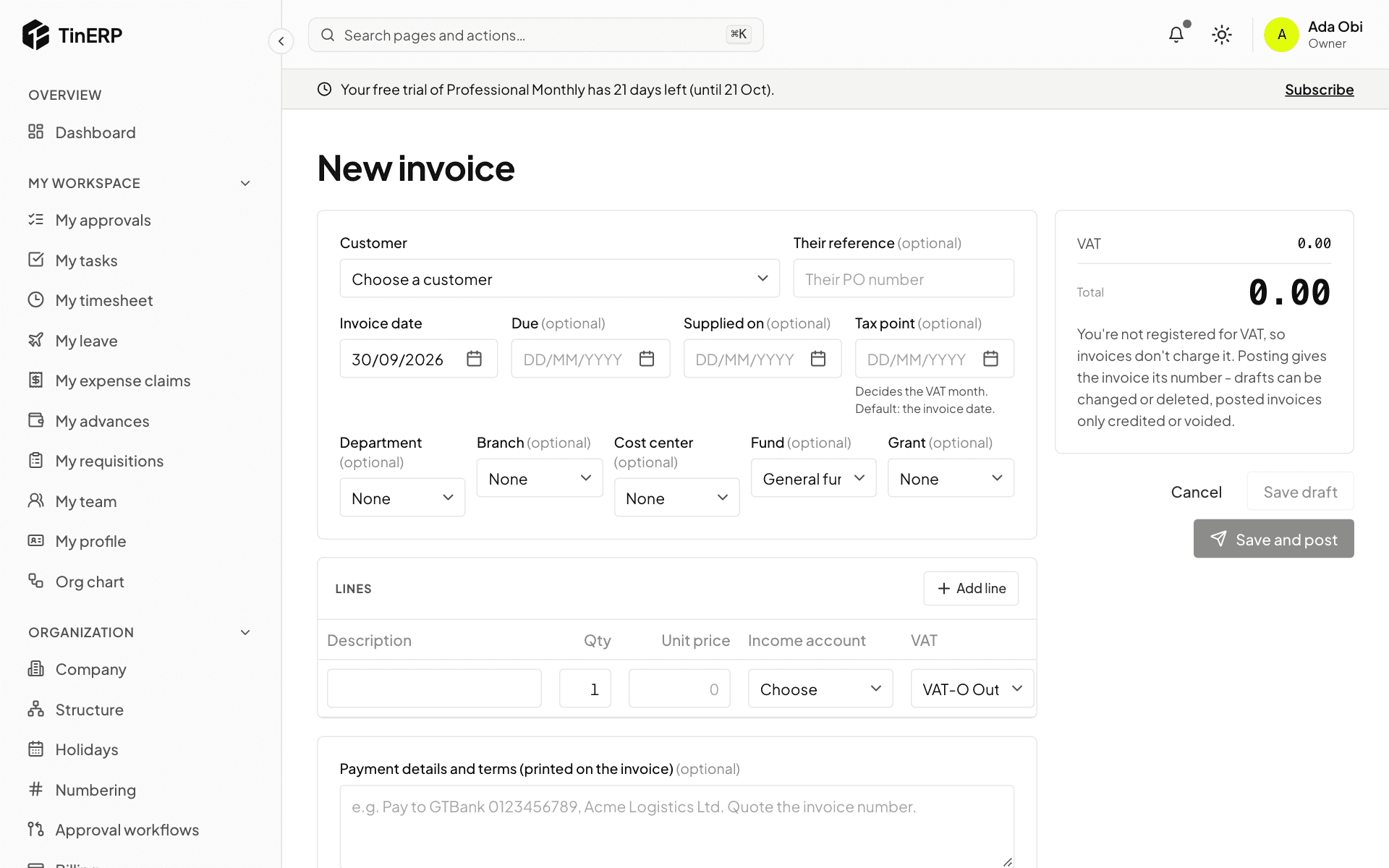
Go to Finance → Sales invoices and start a new one. Choose the customer, the dates - the Tax point date decides the VAT month - and add the lines: description, quantity, unit price and income account. VAT comes from each line's code.
Add Payment details and terms (your bank account, for example). Save draft, or Save and post to give it its number and post it.
Full size
The new invoice form: customer, dates, lines and payment details - 3
Send it, and follow it
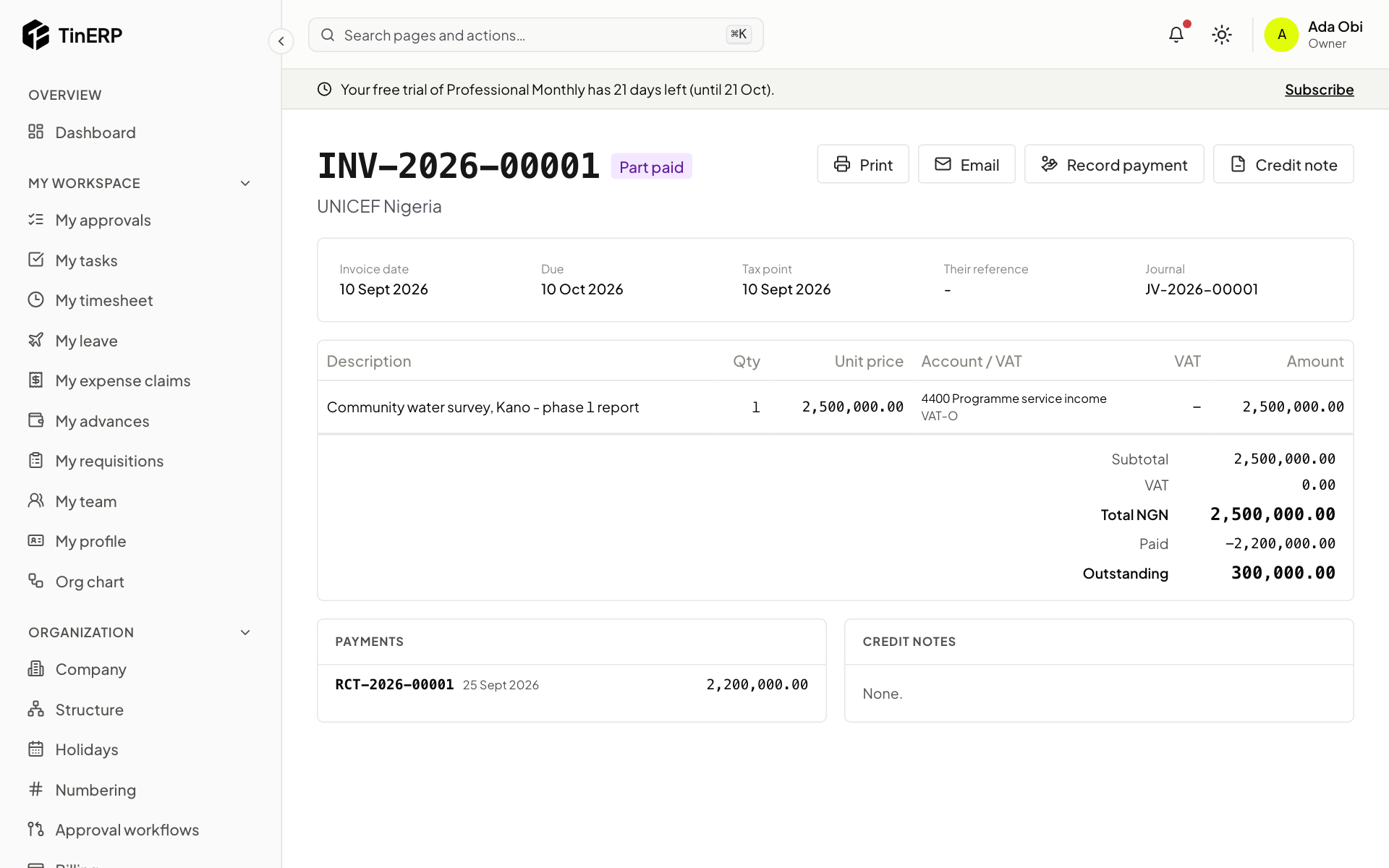
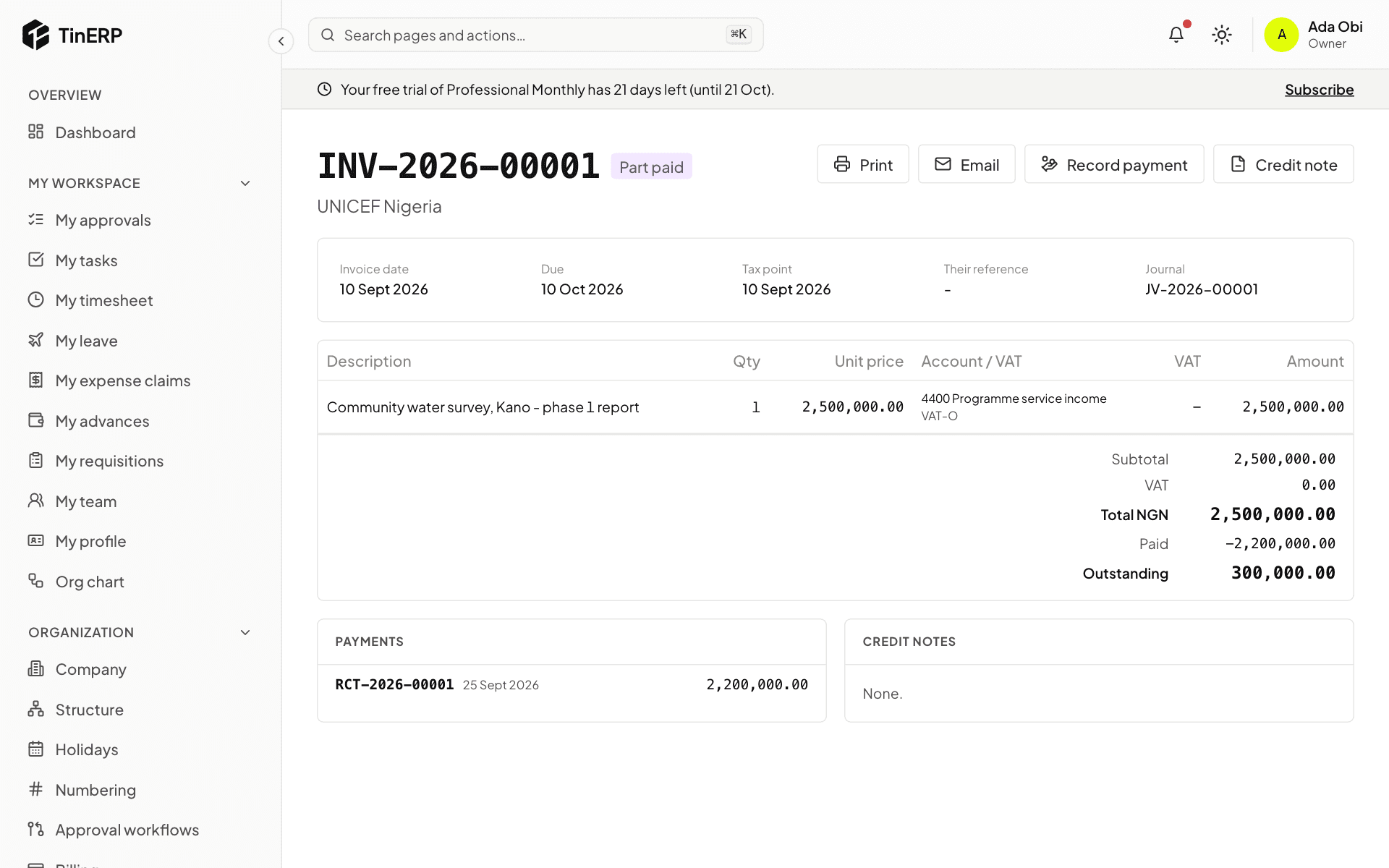
On the invoice, Print it on your letterhead or Email it to the customer. It shows what's been paid and what's outstanding.
To correct a posted invoice, issue a Credit note - for everything or chosen lines. Void is only for an invoice nothing has been paid or credited on; the number stays used.
Full size
A posted invoice, part paid, with Print, Email, Record payment and Credit note - 4
Record what they pay
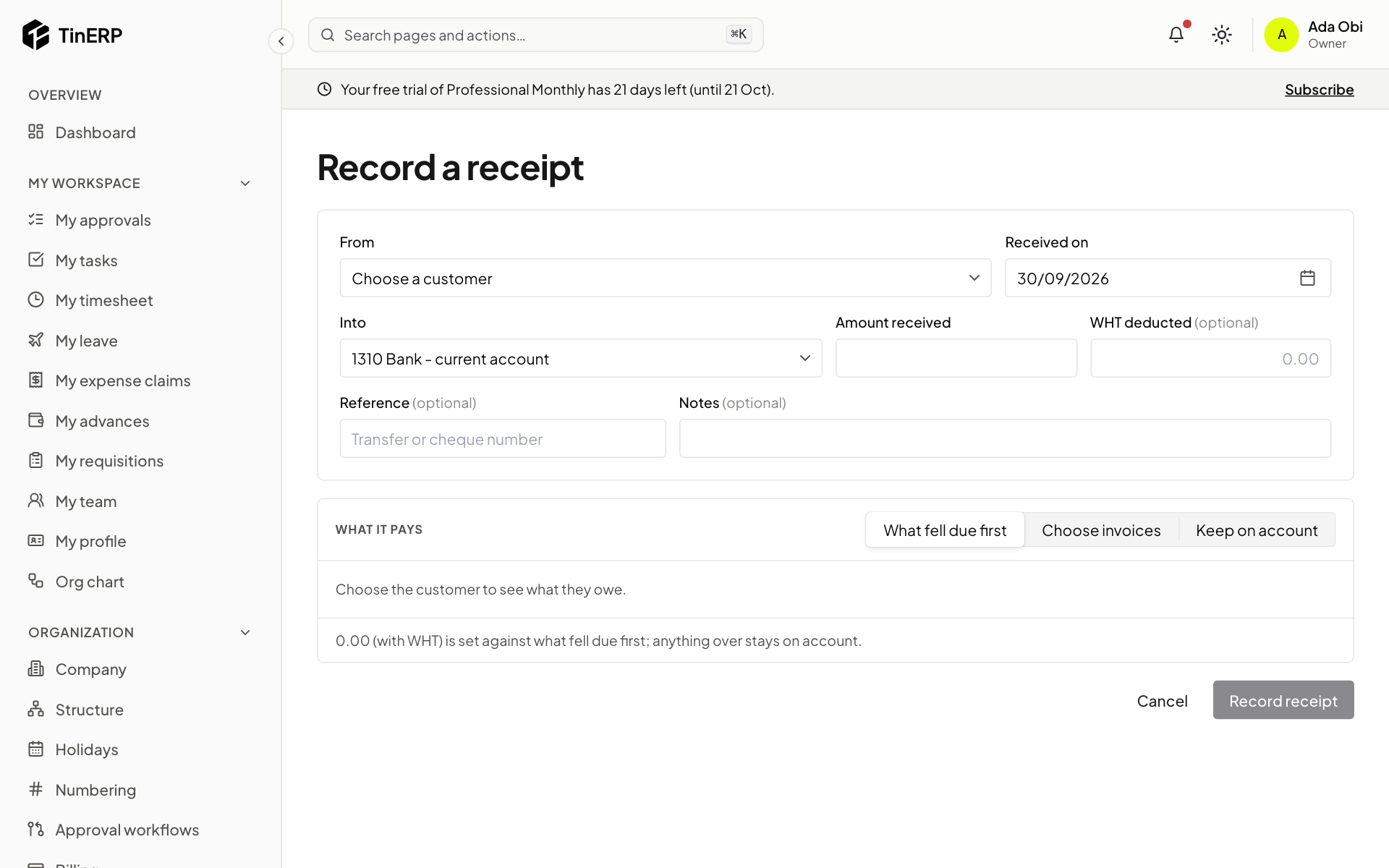
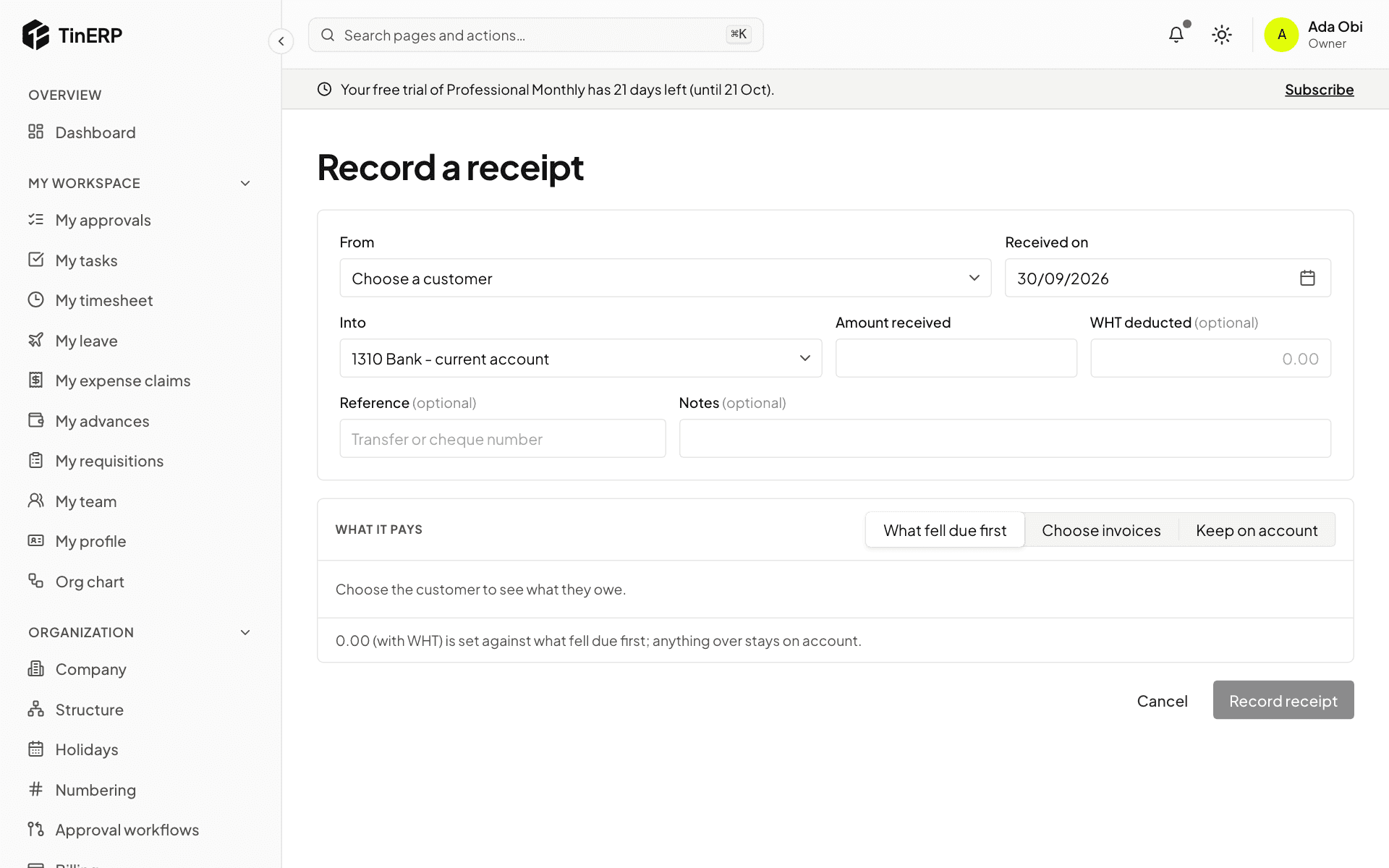
Select Record payment on the invoice, or go to Finance → Receipts. Enter the date, the bank account it came into, the amount, and any WHT deducted by the customer - it pays the invoice too.
Choose what it pays: What fell due first, Choose invoices, or Keep on account for later.
Full size
Record a receipt: customer, account, amount, WHT deducted and what it pays - 5
See who owes what
Finance → Aged receivables shows what each customer owes on any date - not yet due, then 1-30, 31-60, 61-90 and over 90 days late. A customer's page has their statement for any period.